



- BonesUntil 6 pers
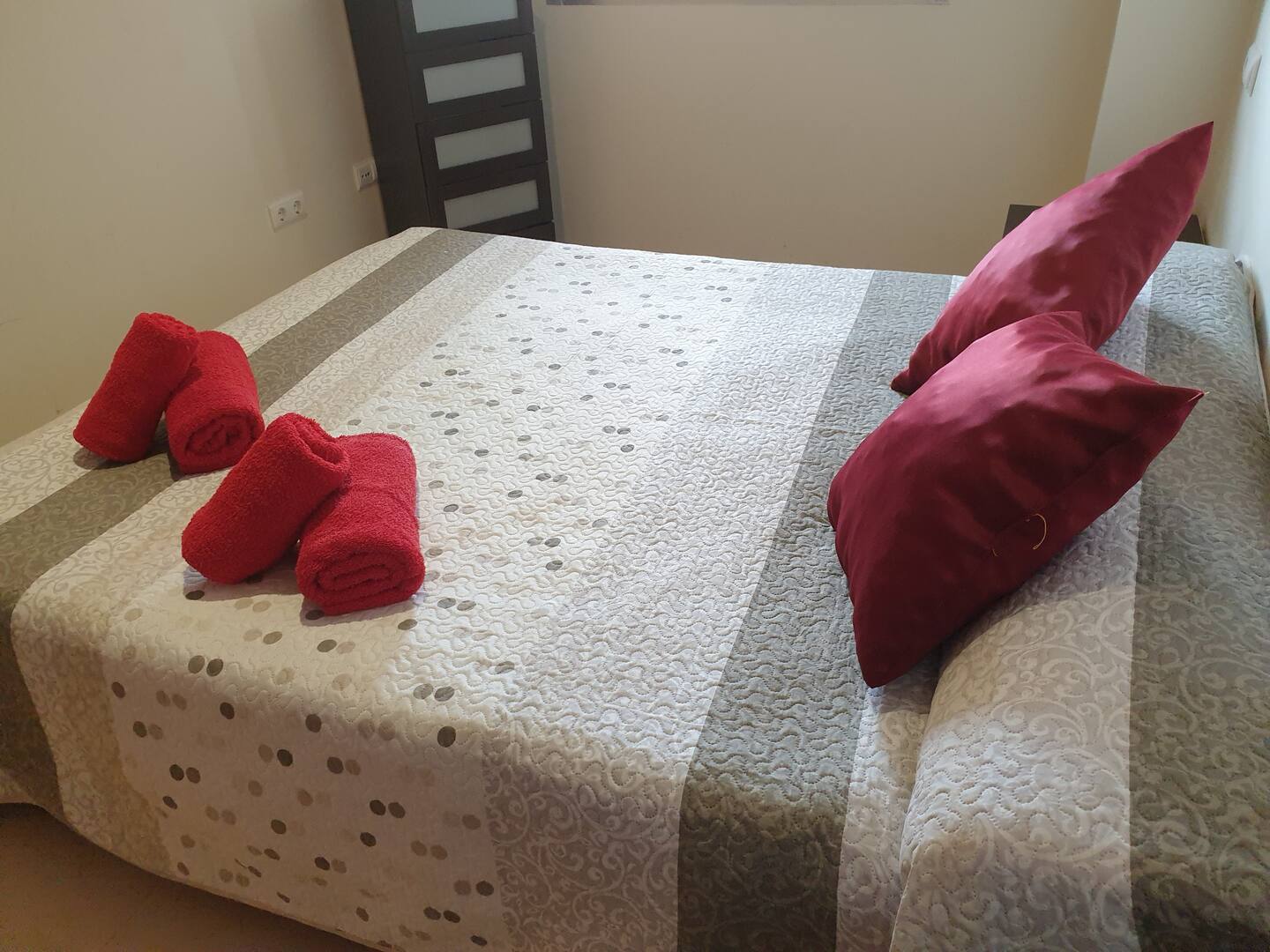
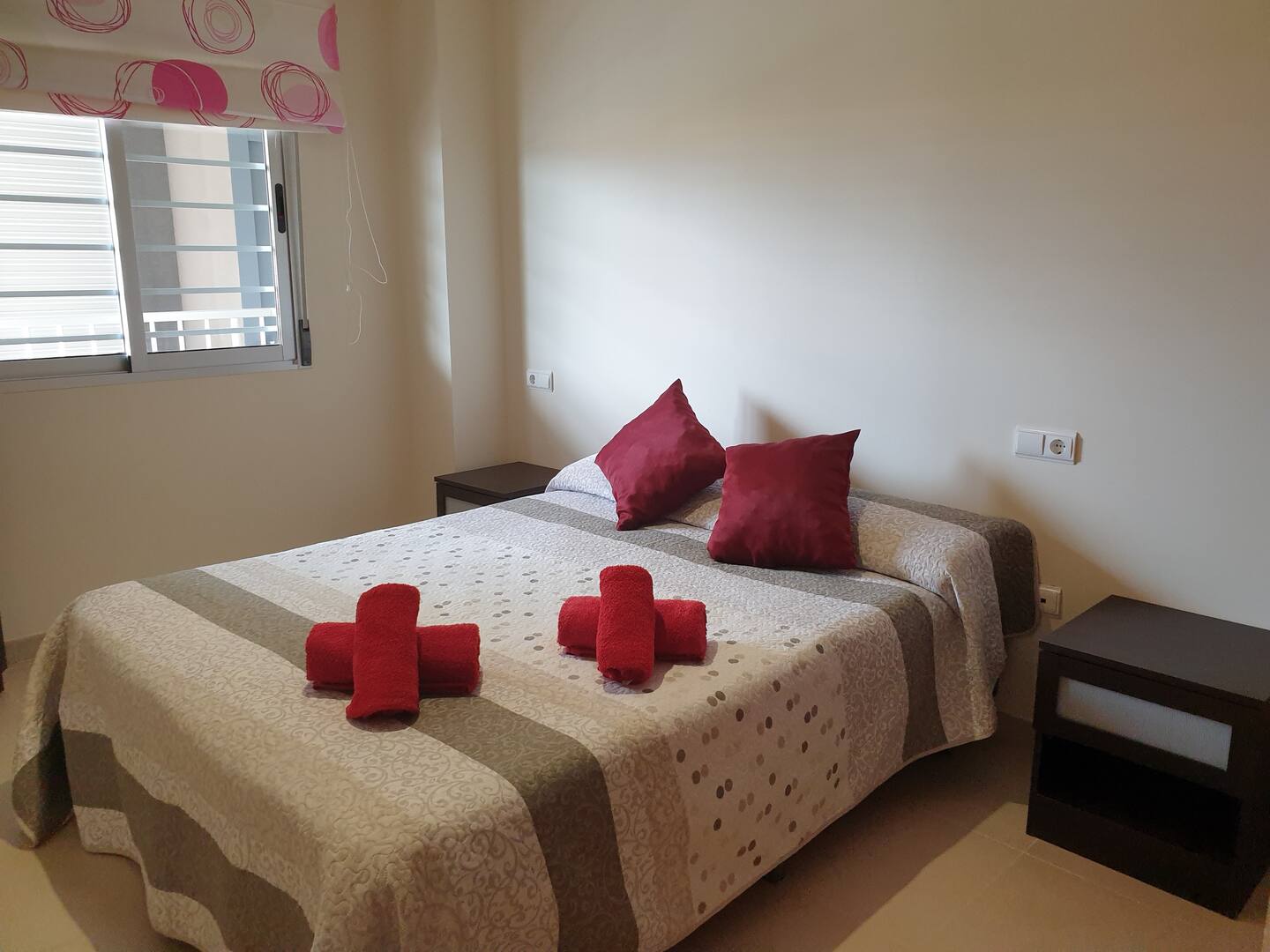
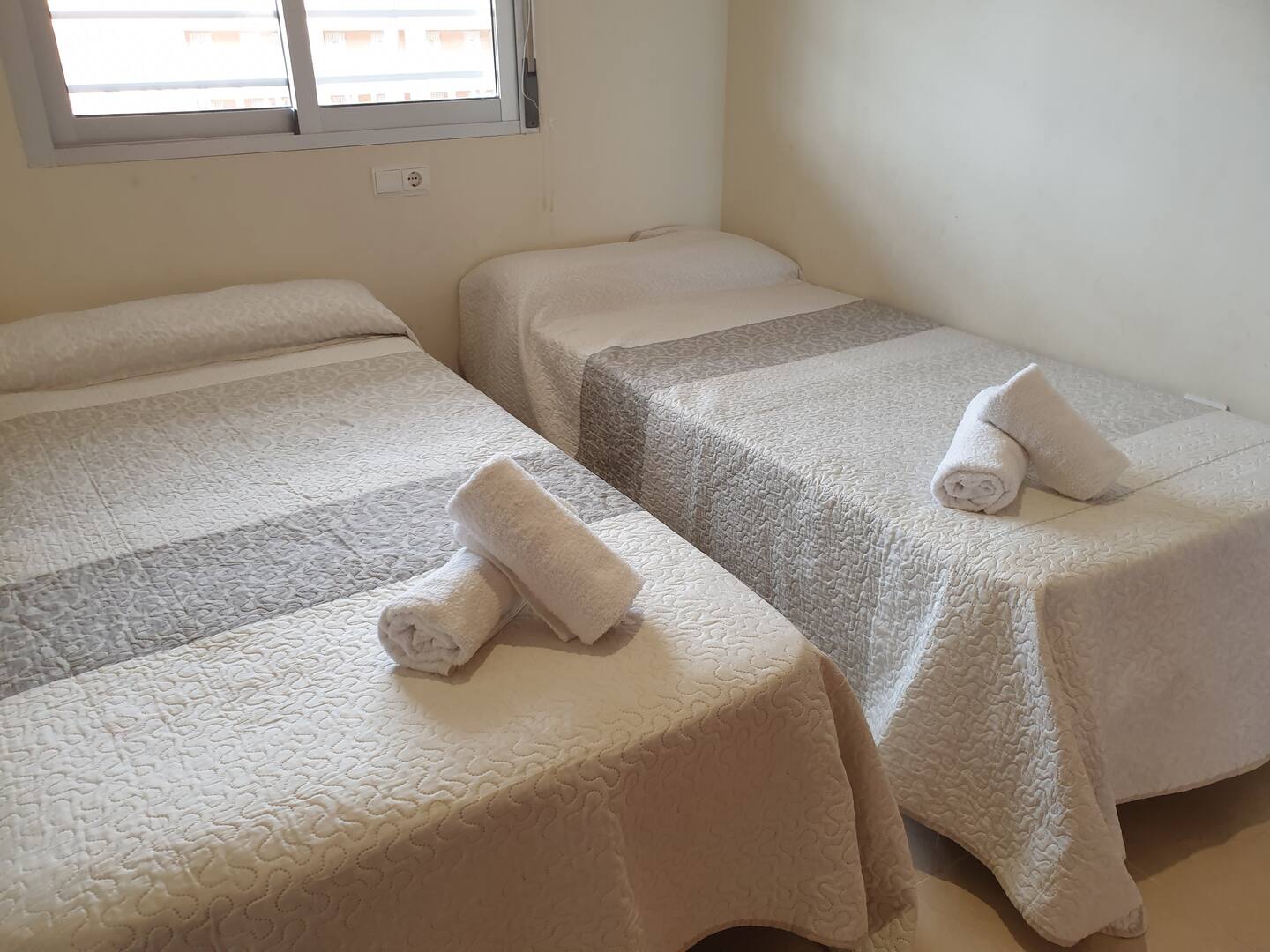
- Bedrooms1 hab
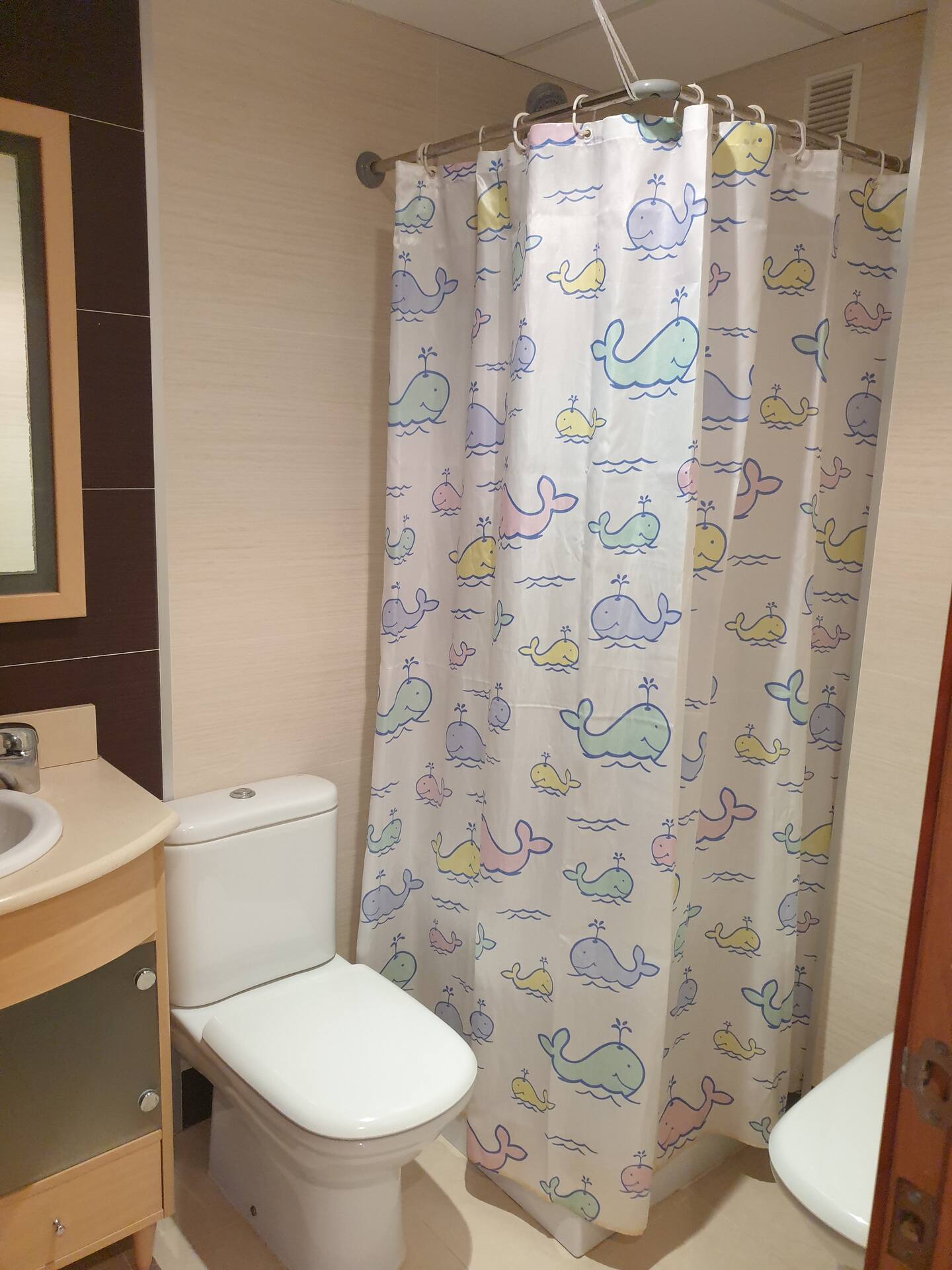
- Bathrooms2 bathrooms
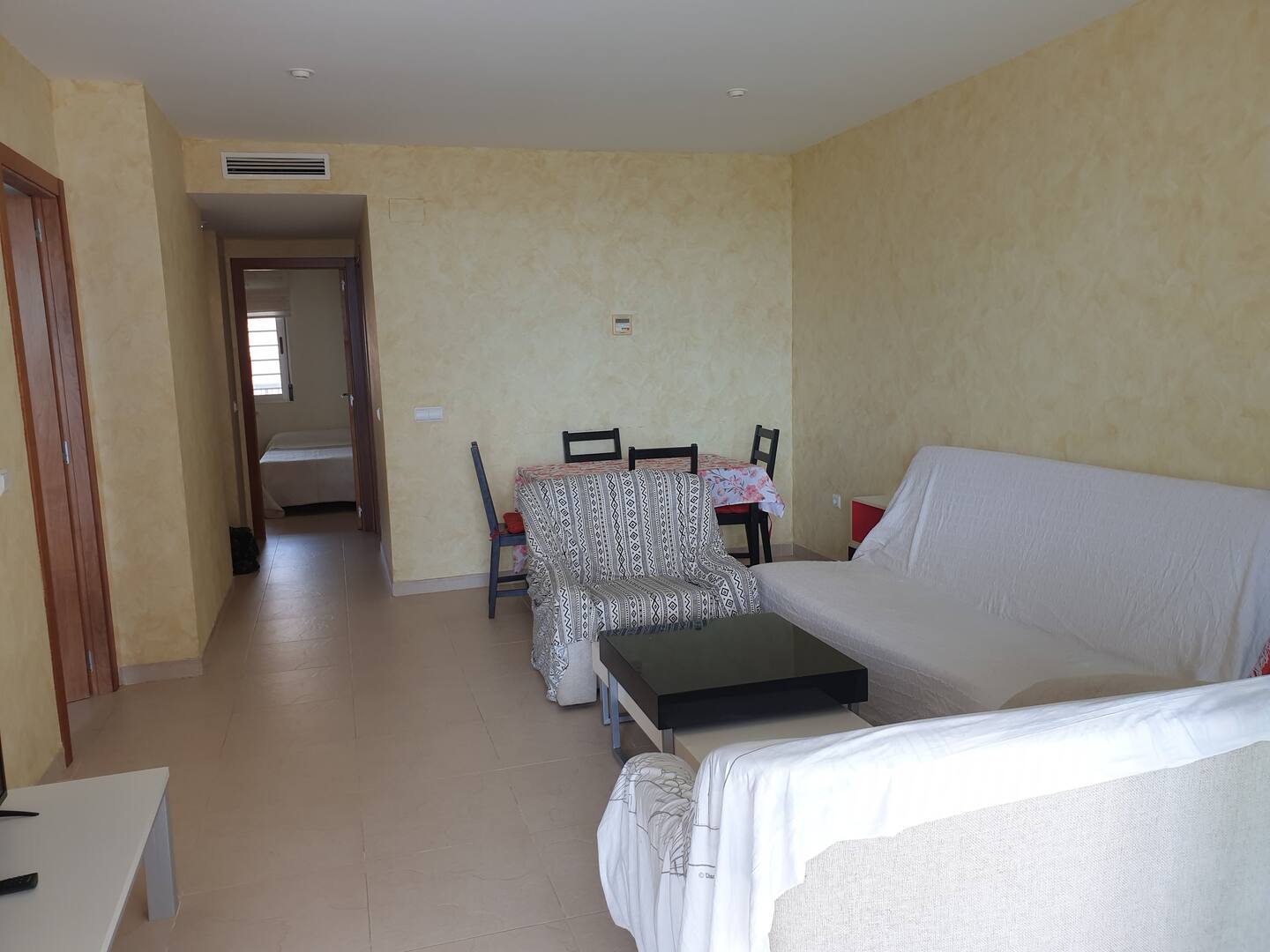
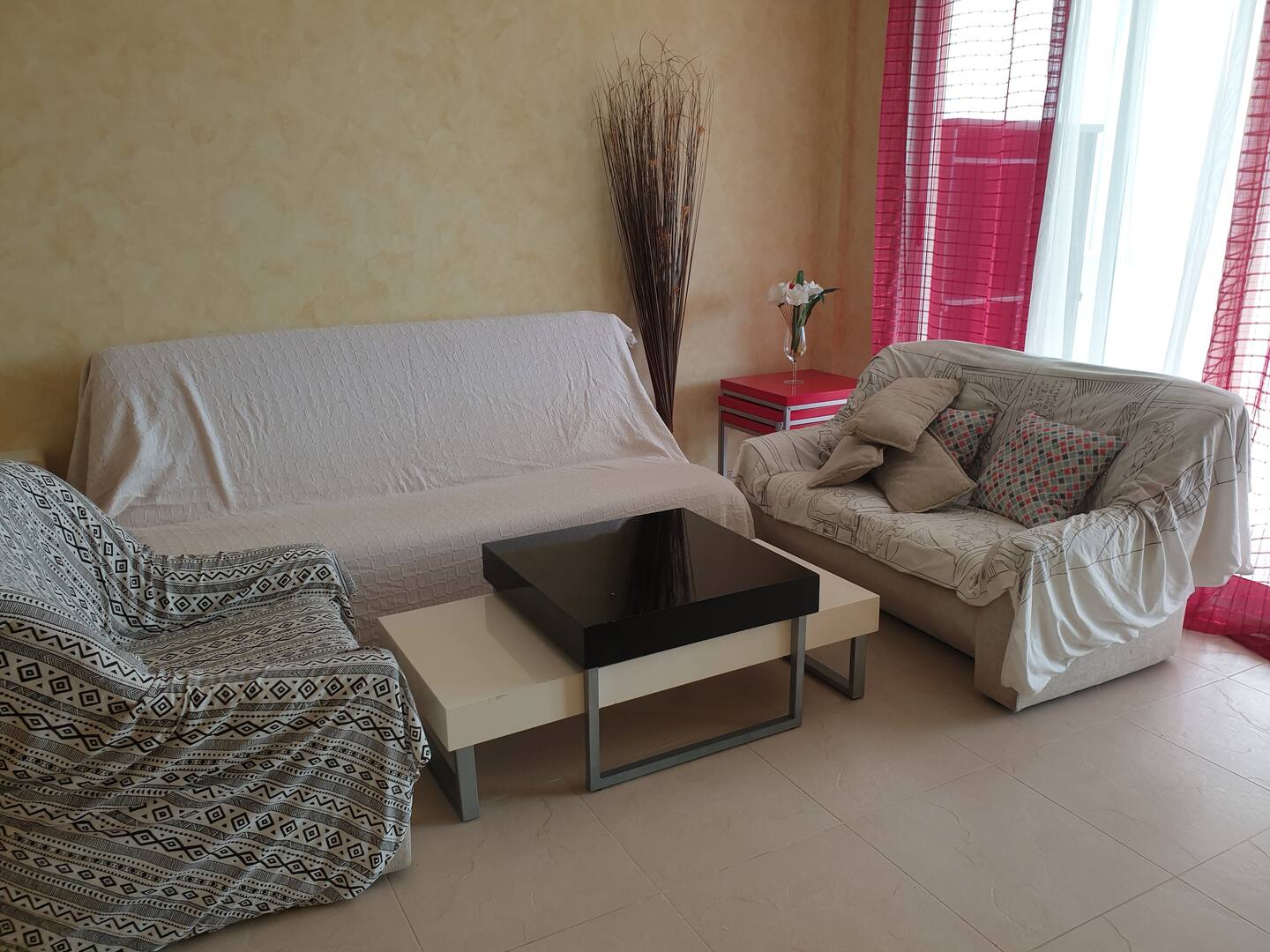
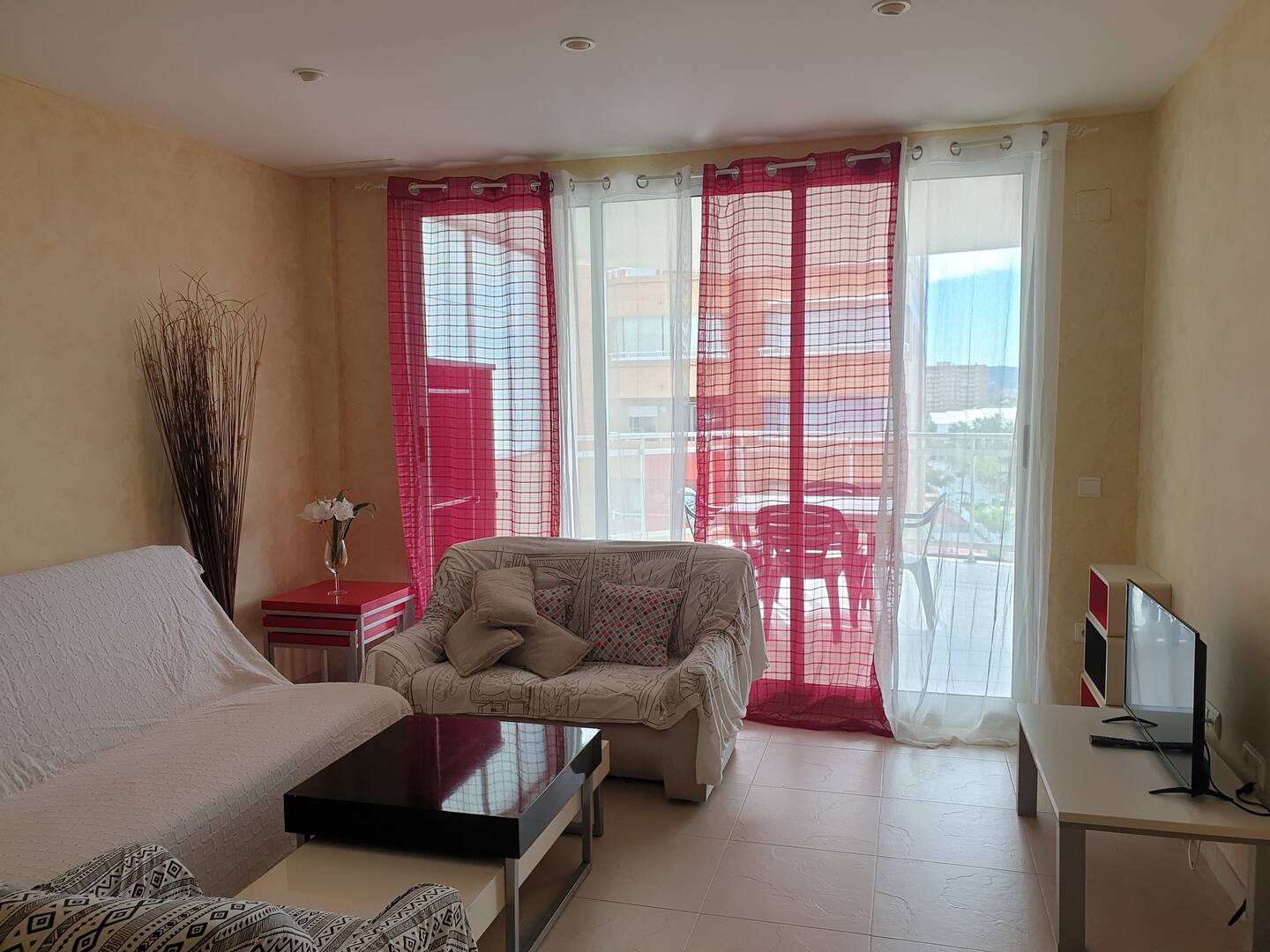
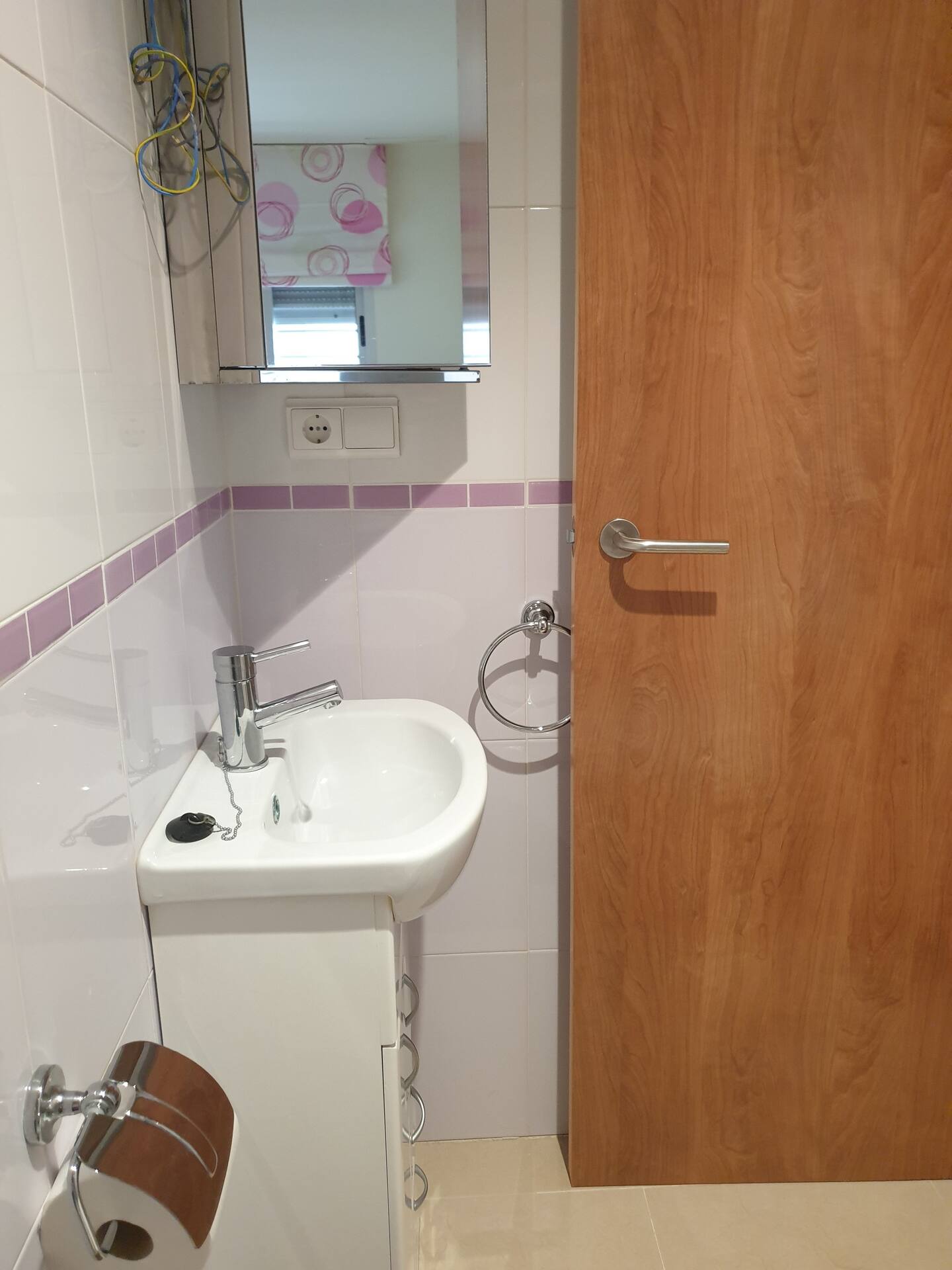
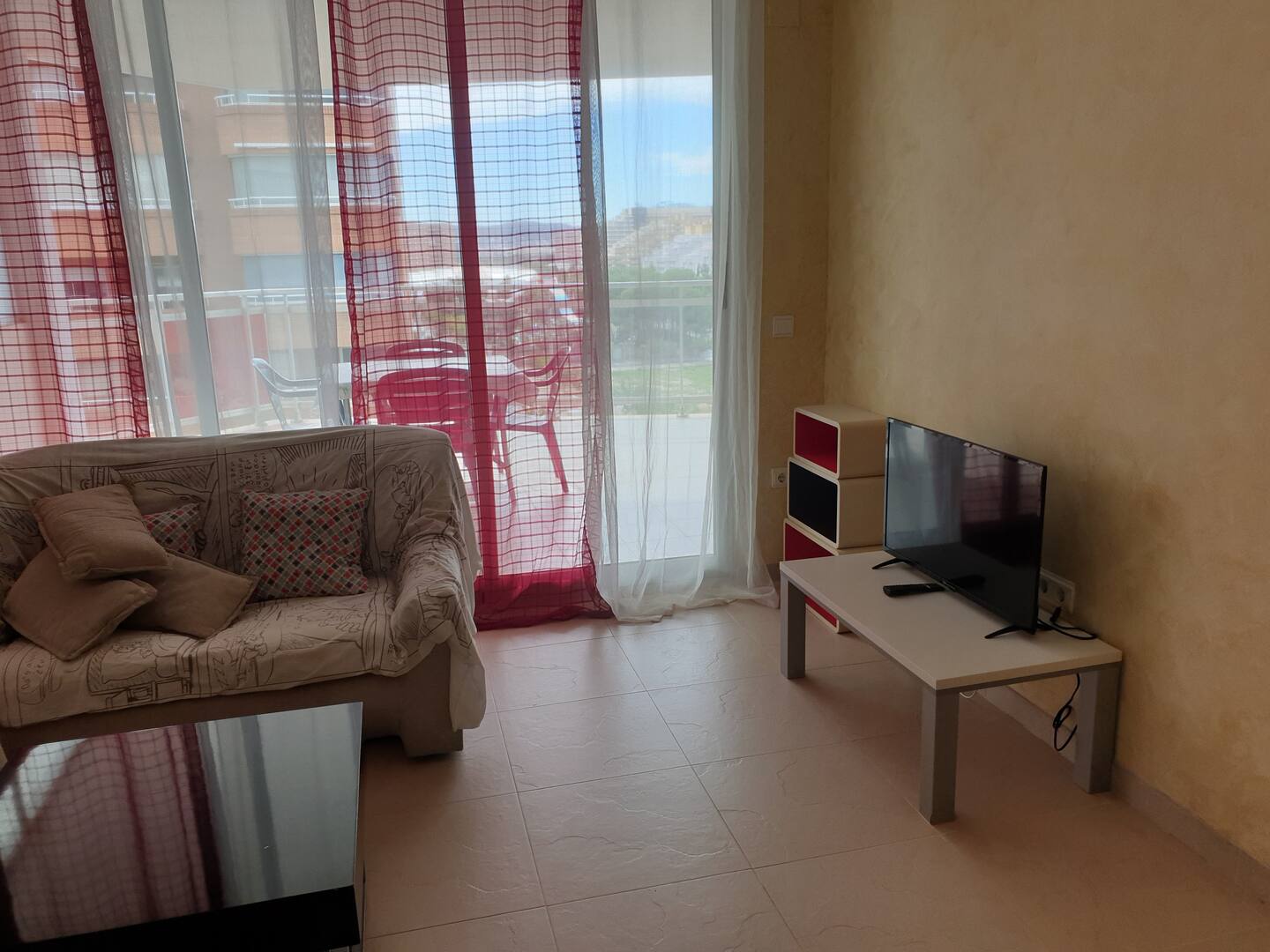
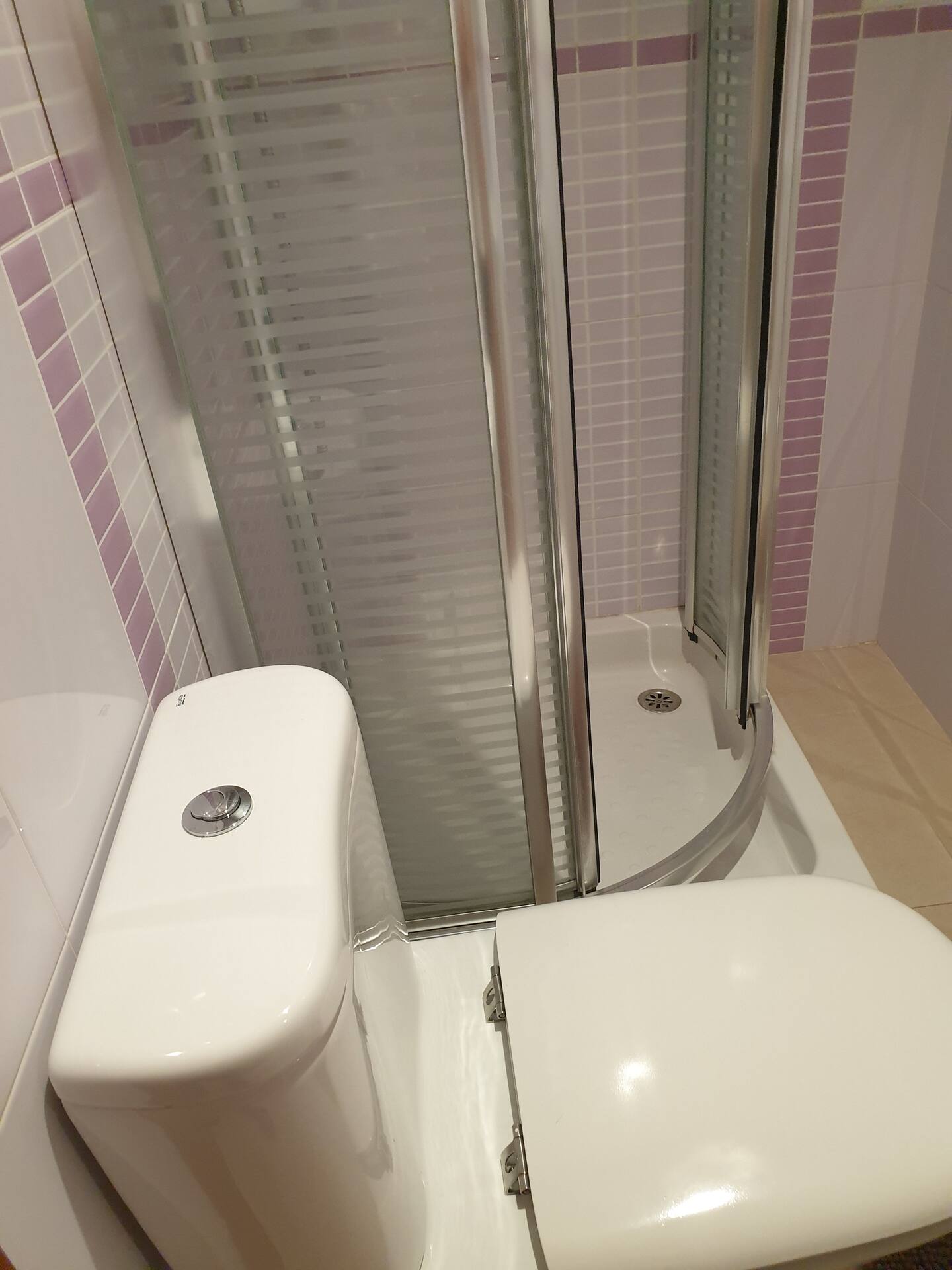
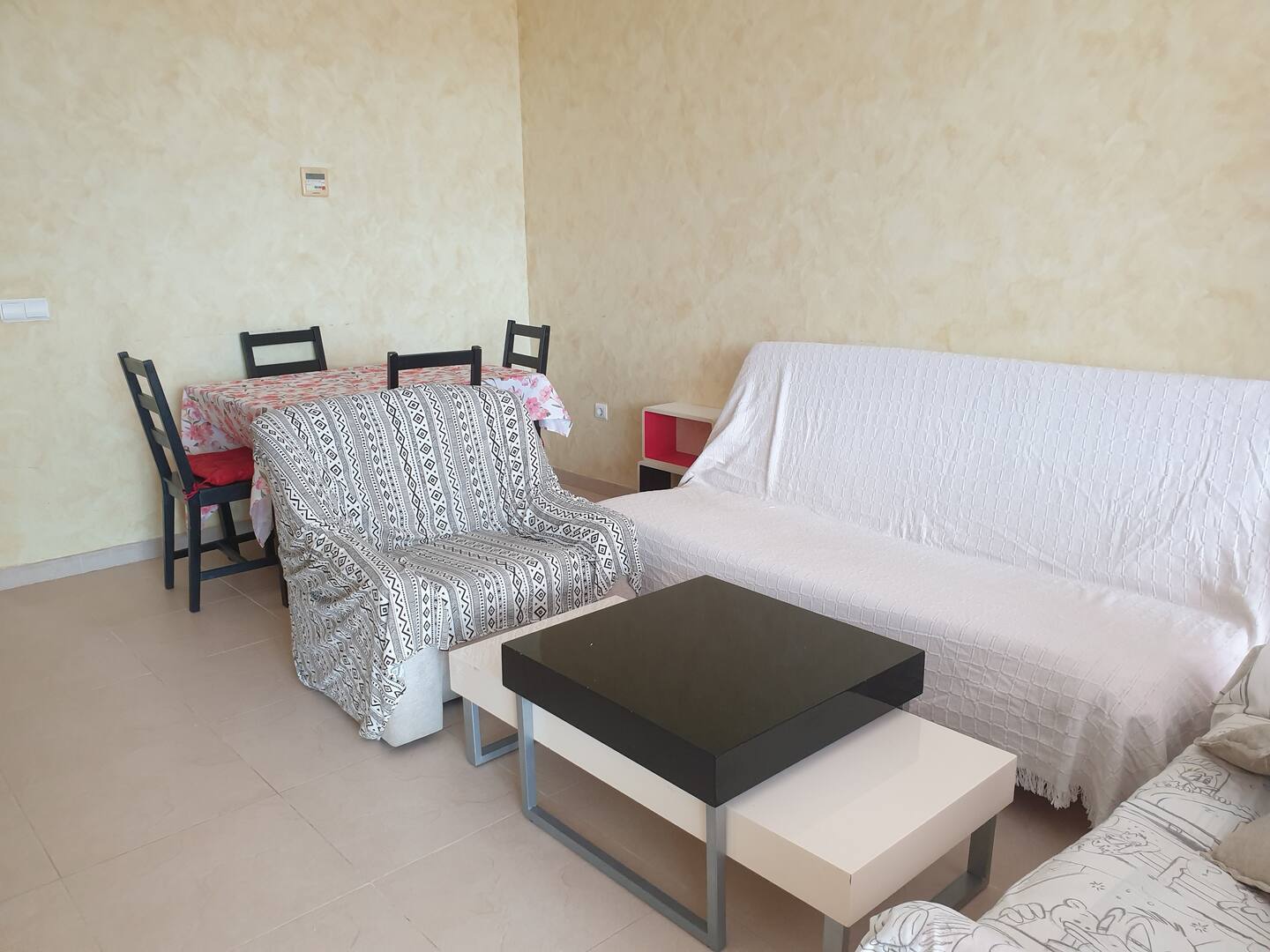
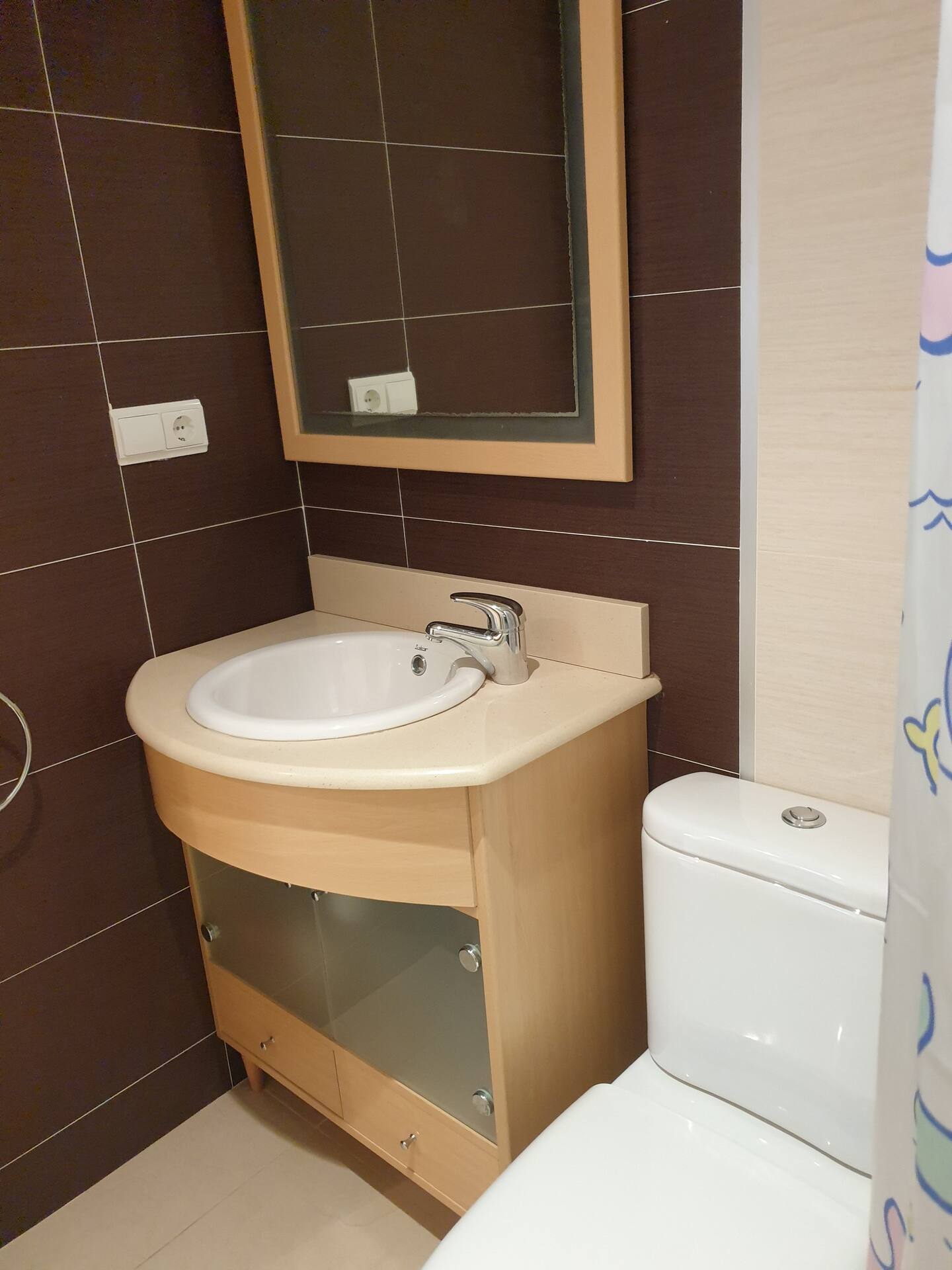
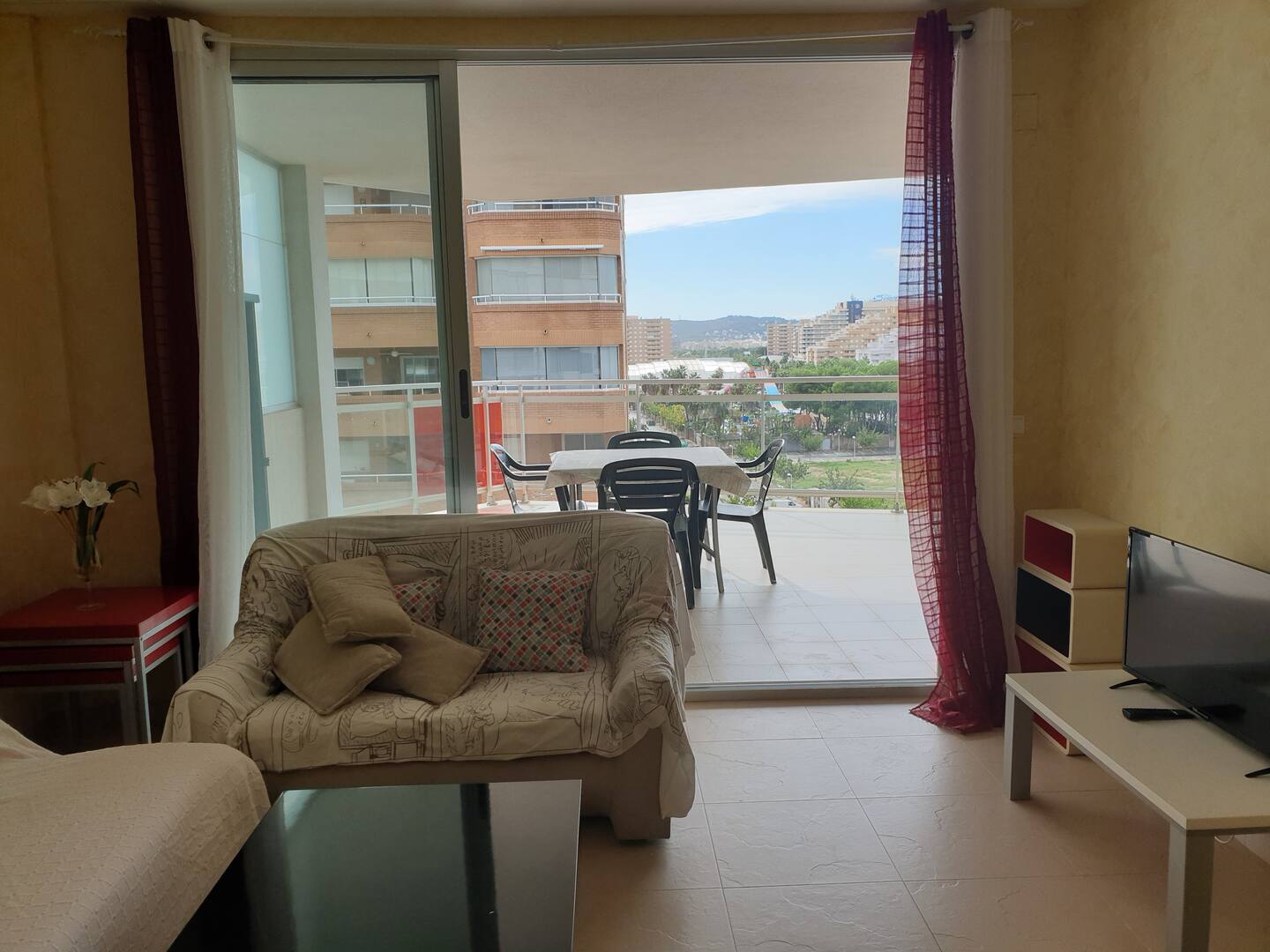
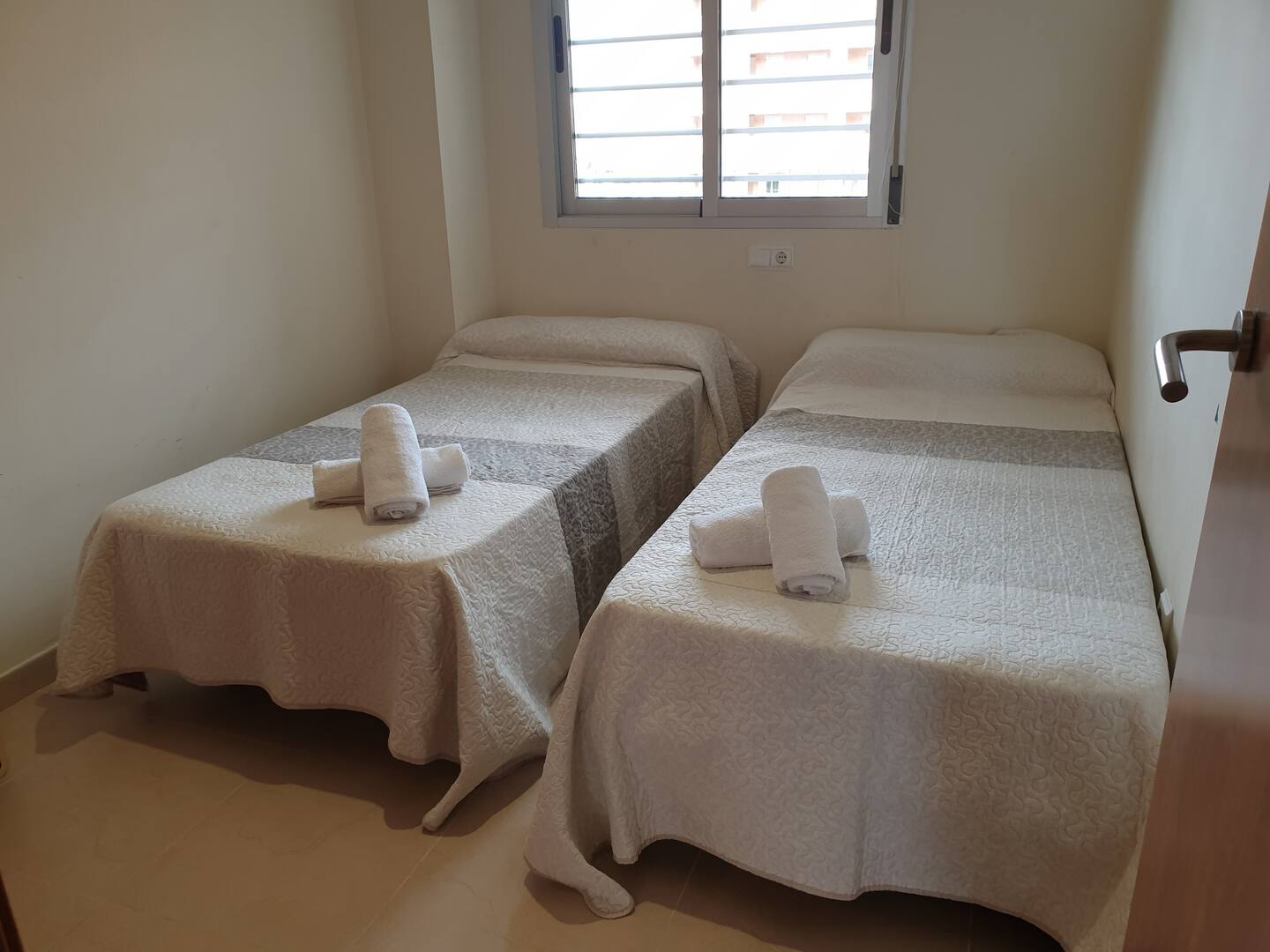
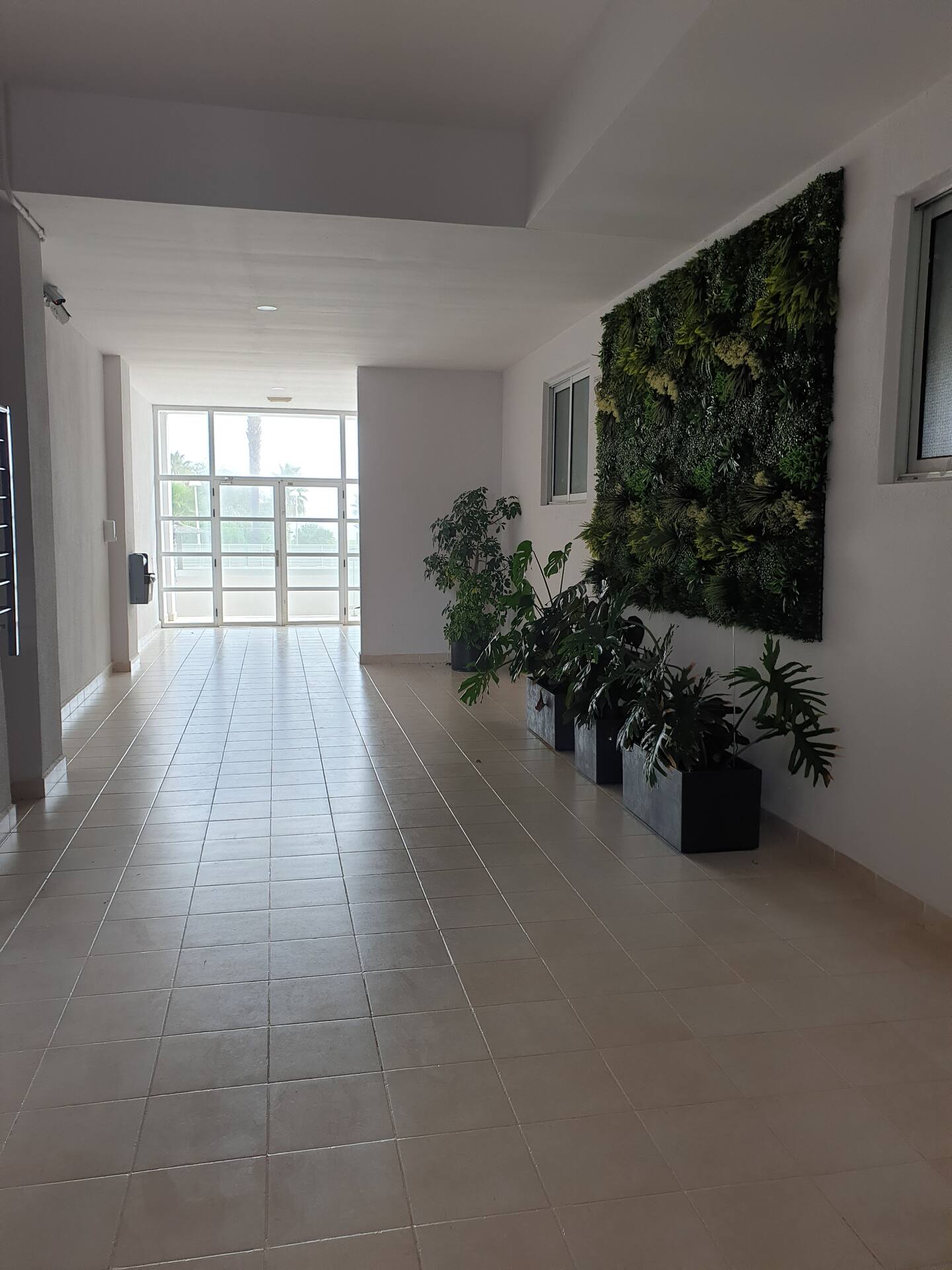
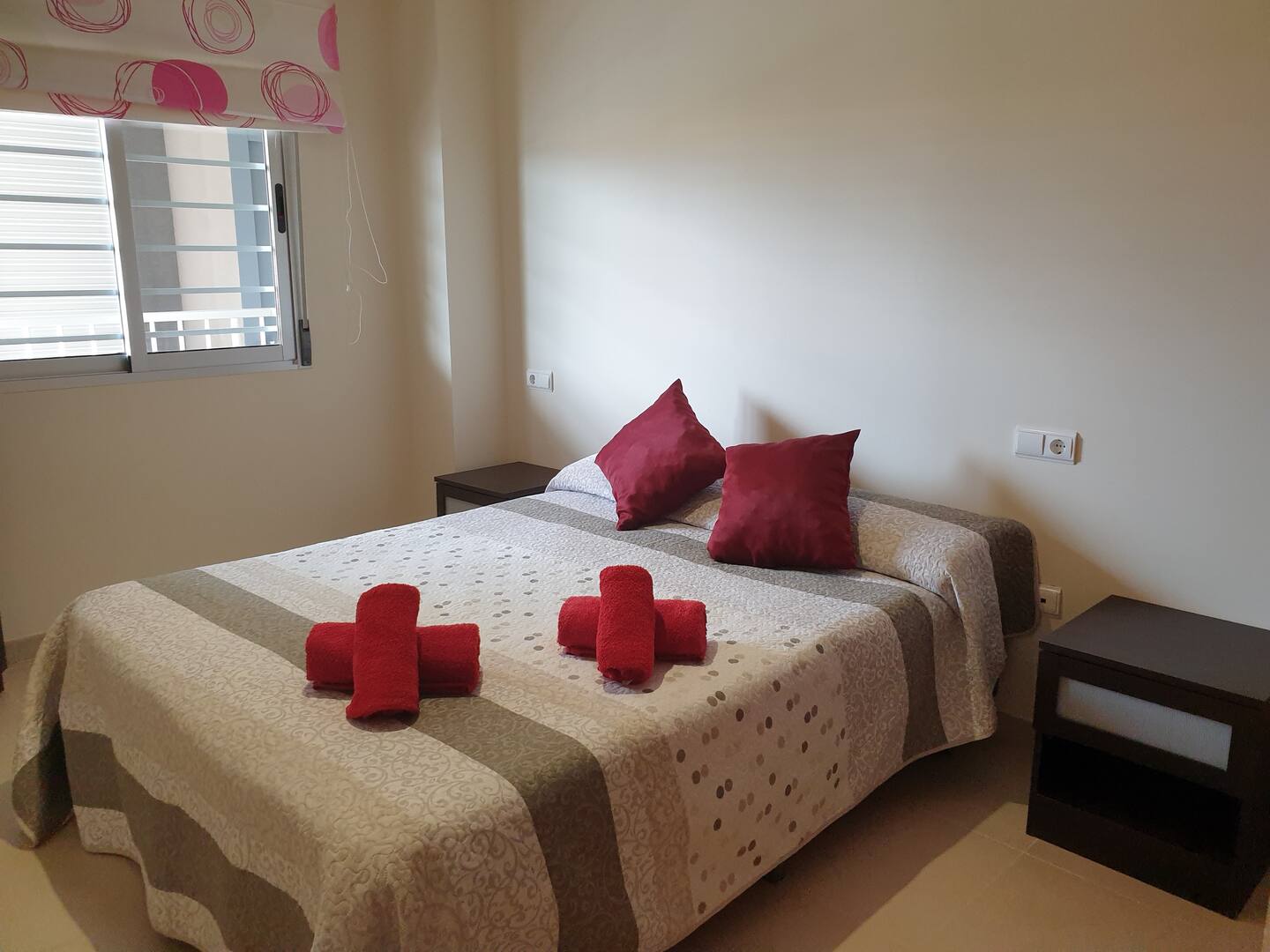
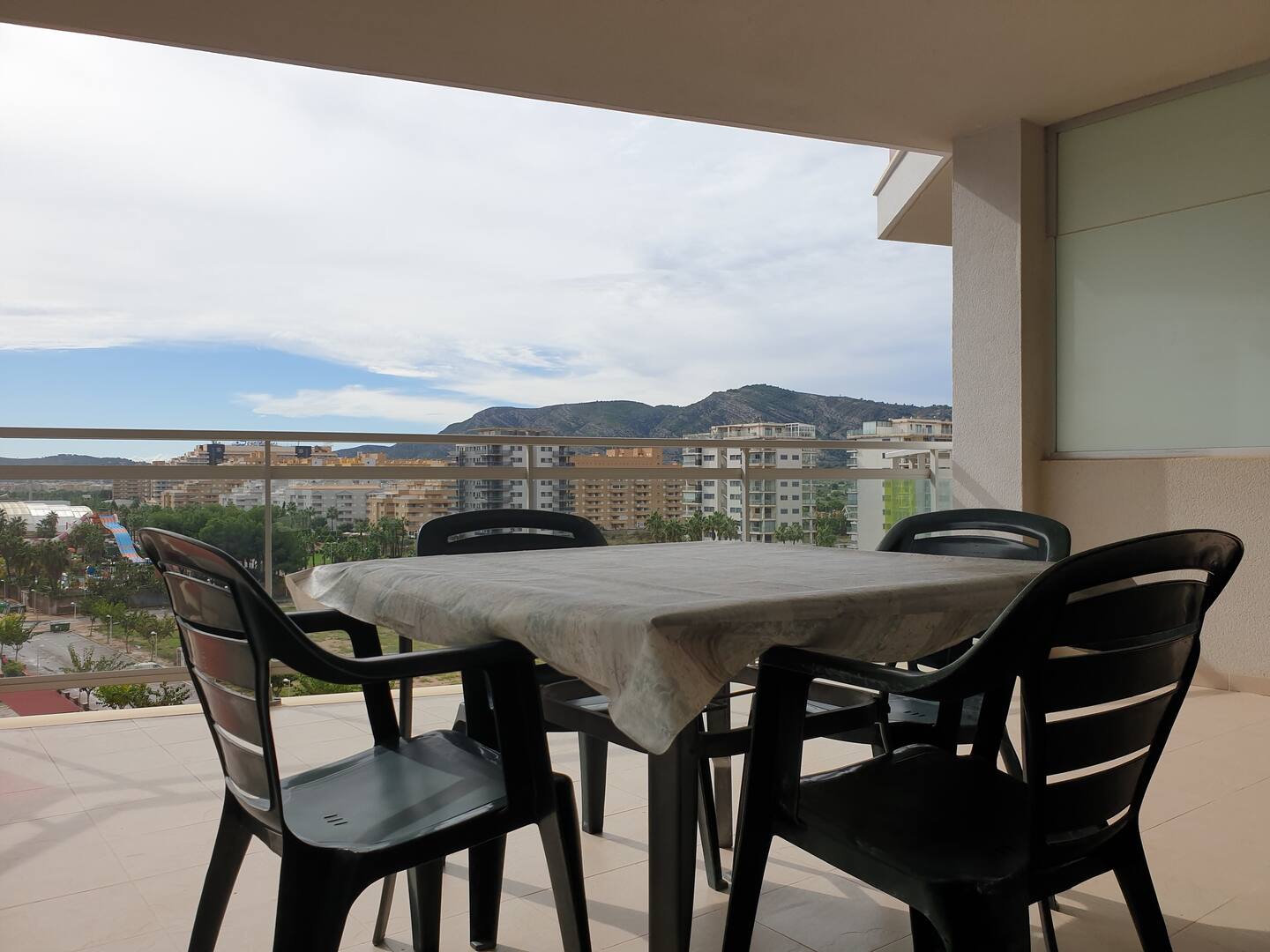
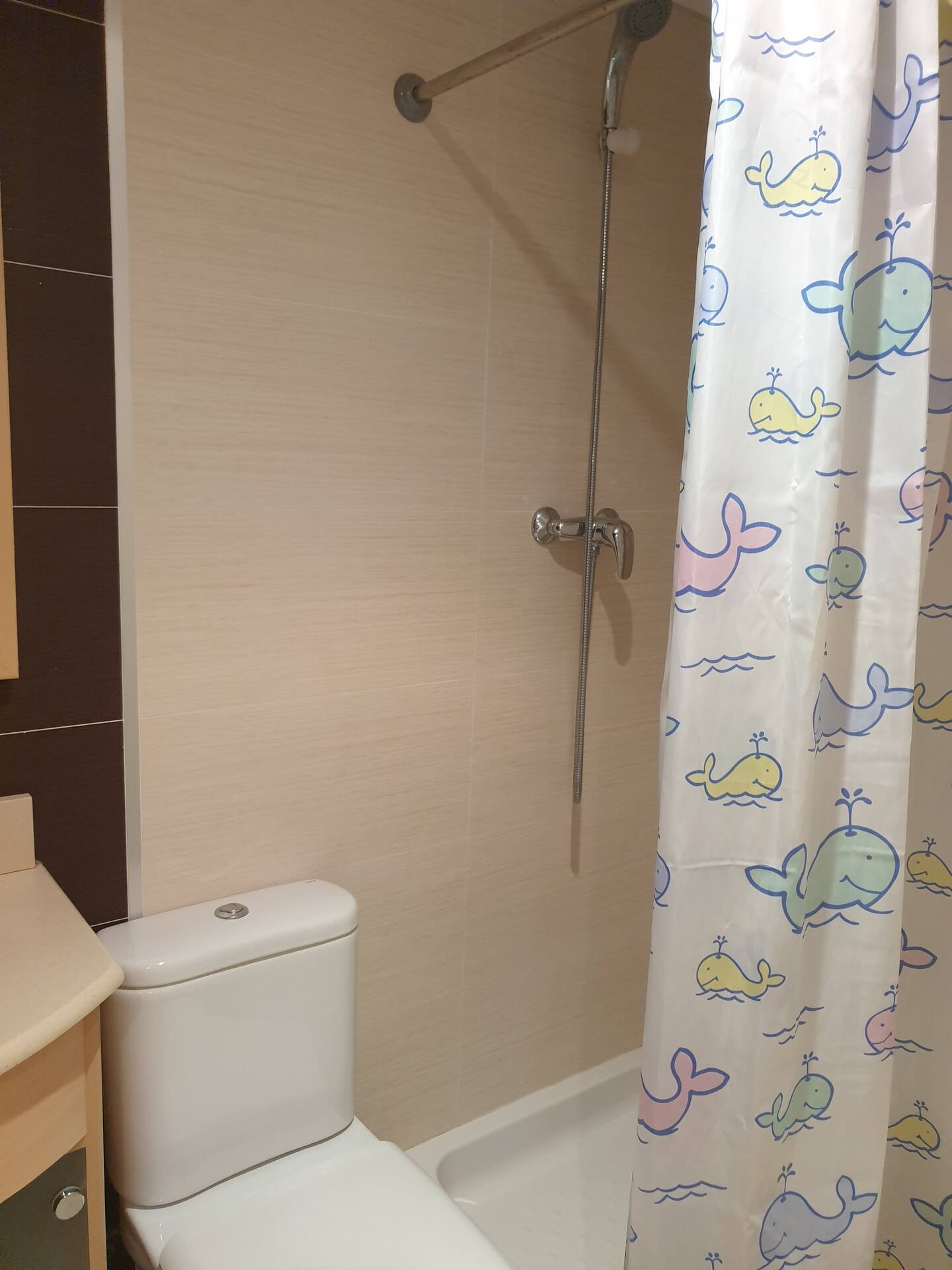
Services included:
- Air-conditioning
- Free parking
- Cámaras de seguridad en los exteriores de la propiedad
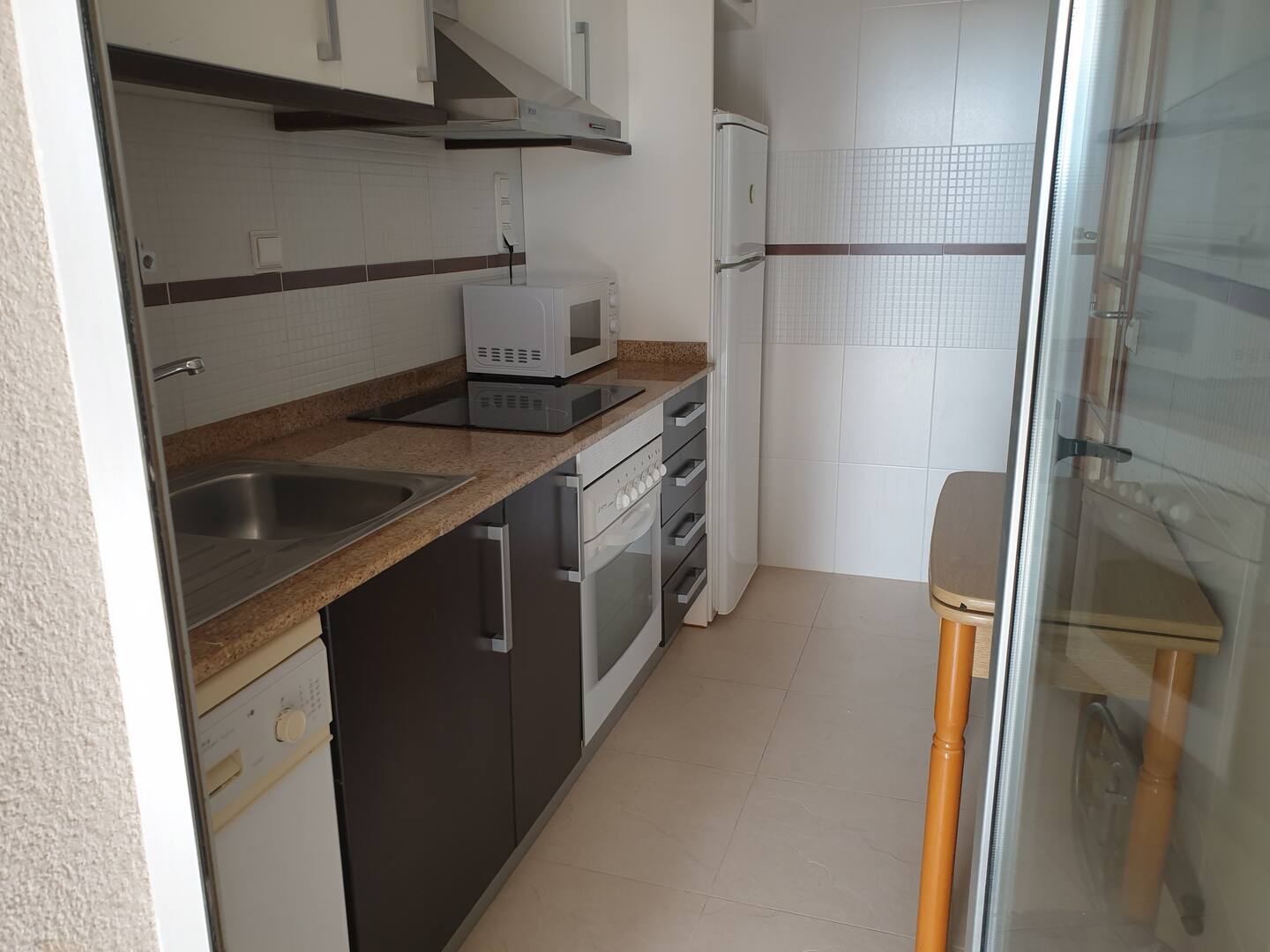
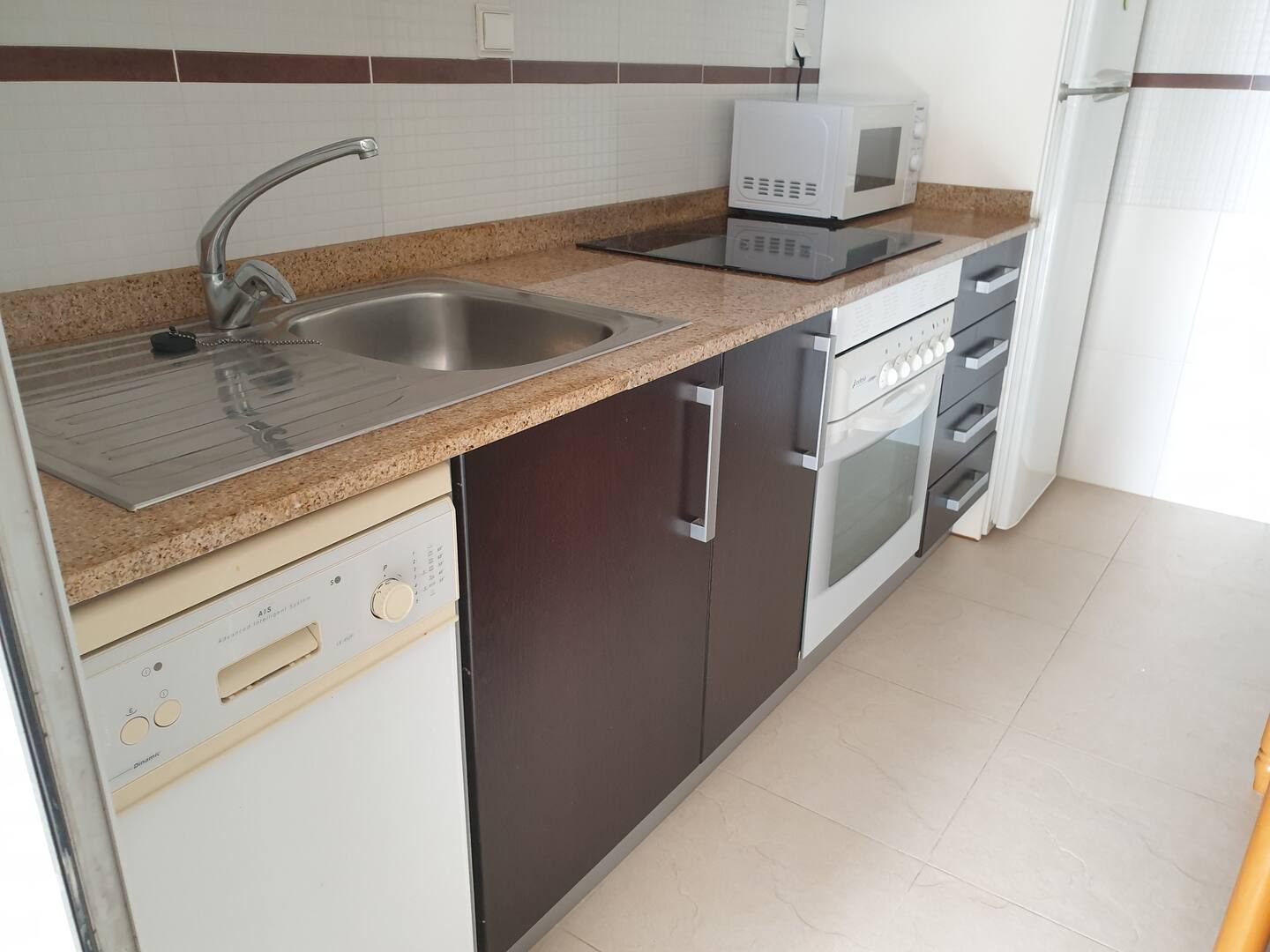
- Cocina
- Washing machine
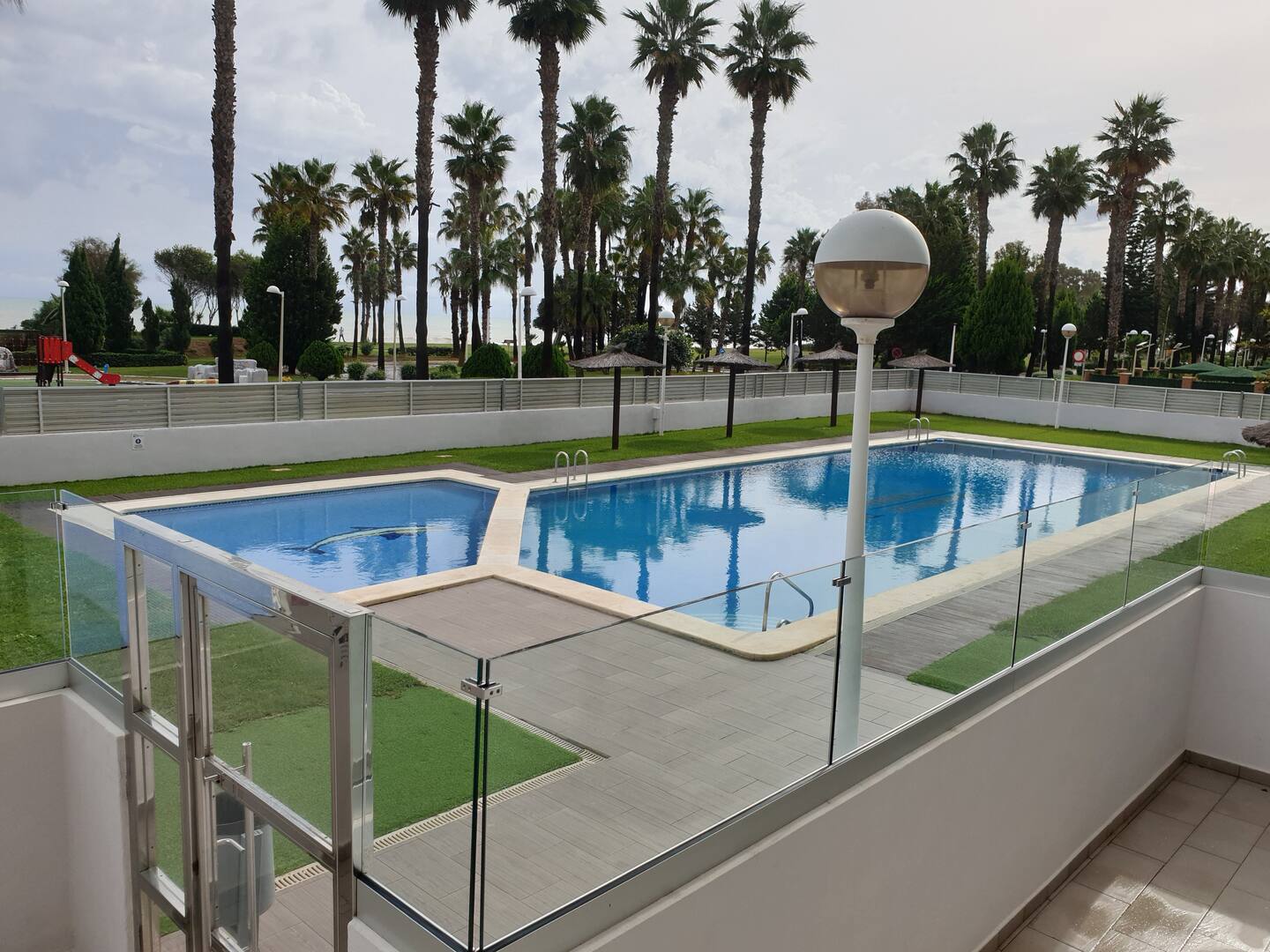
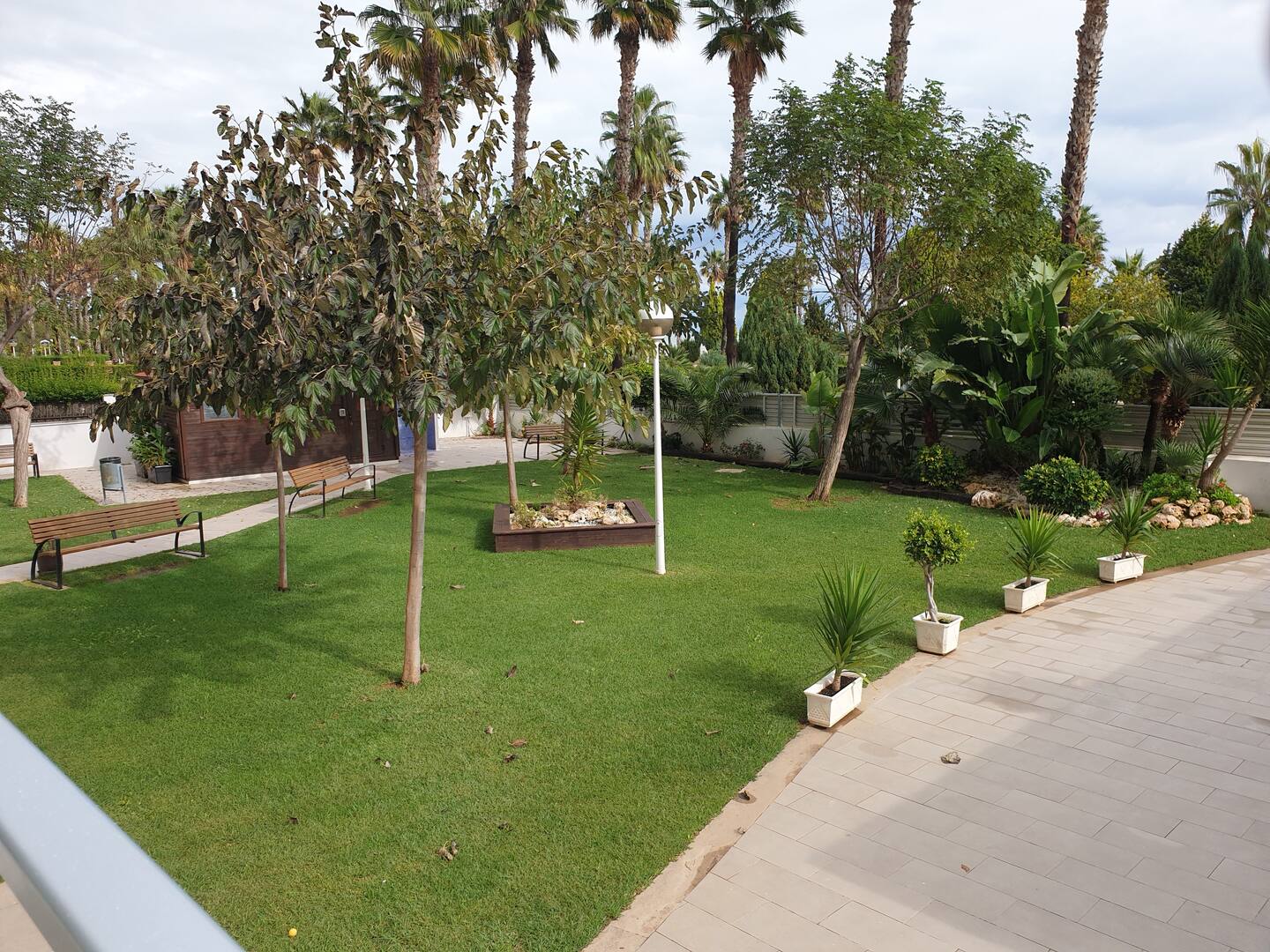
- Pool
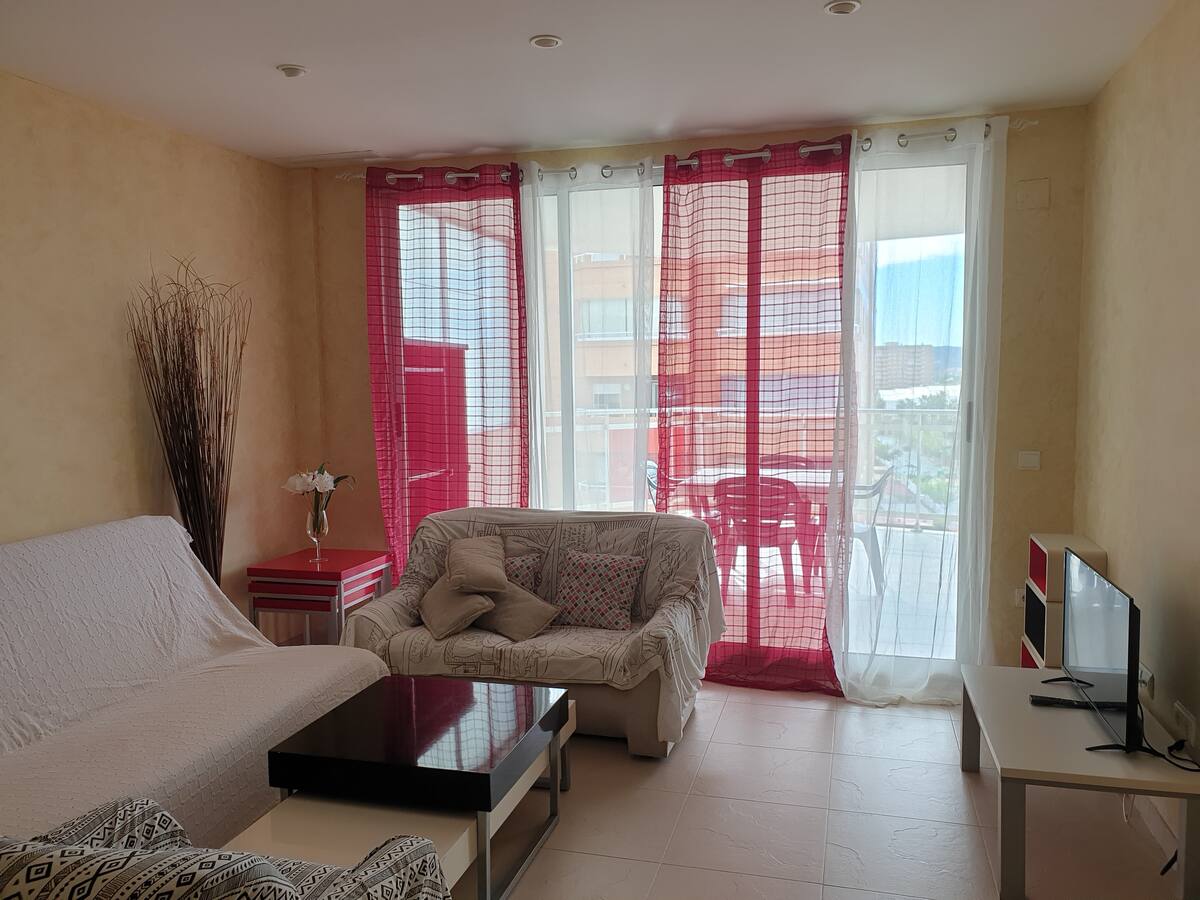
- TV
- Wifi
- Double bed
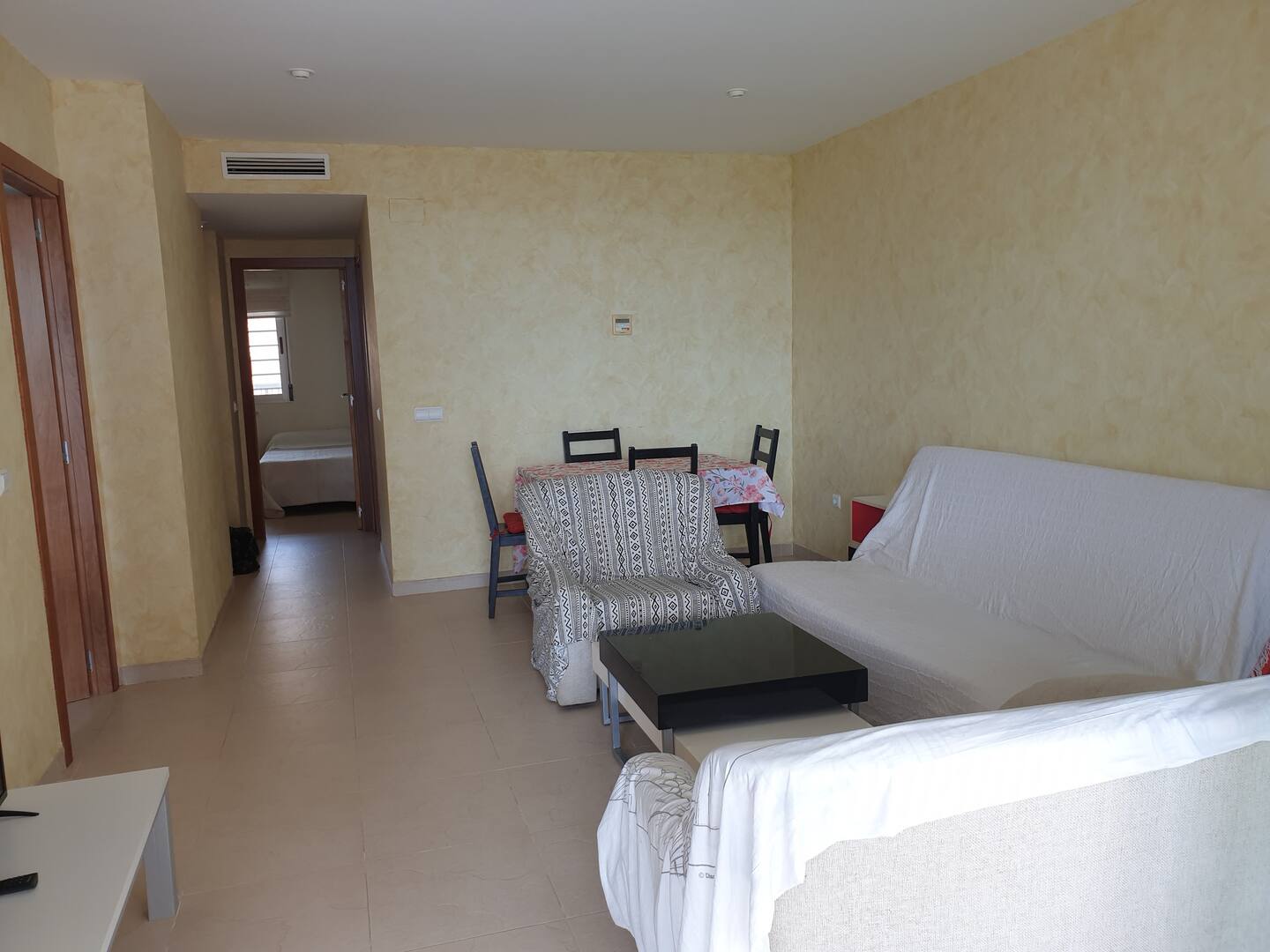
- Sofa
- Ghost
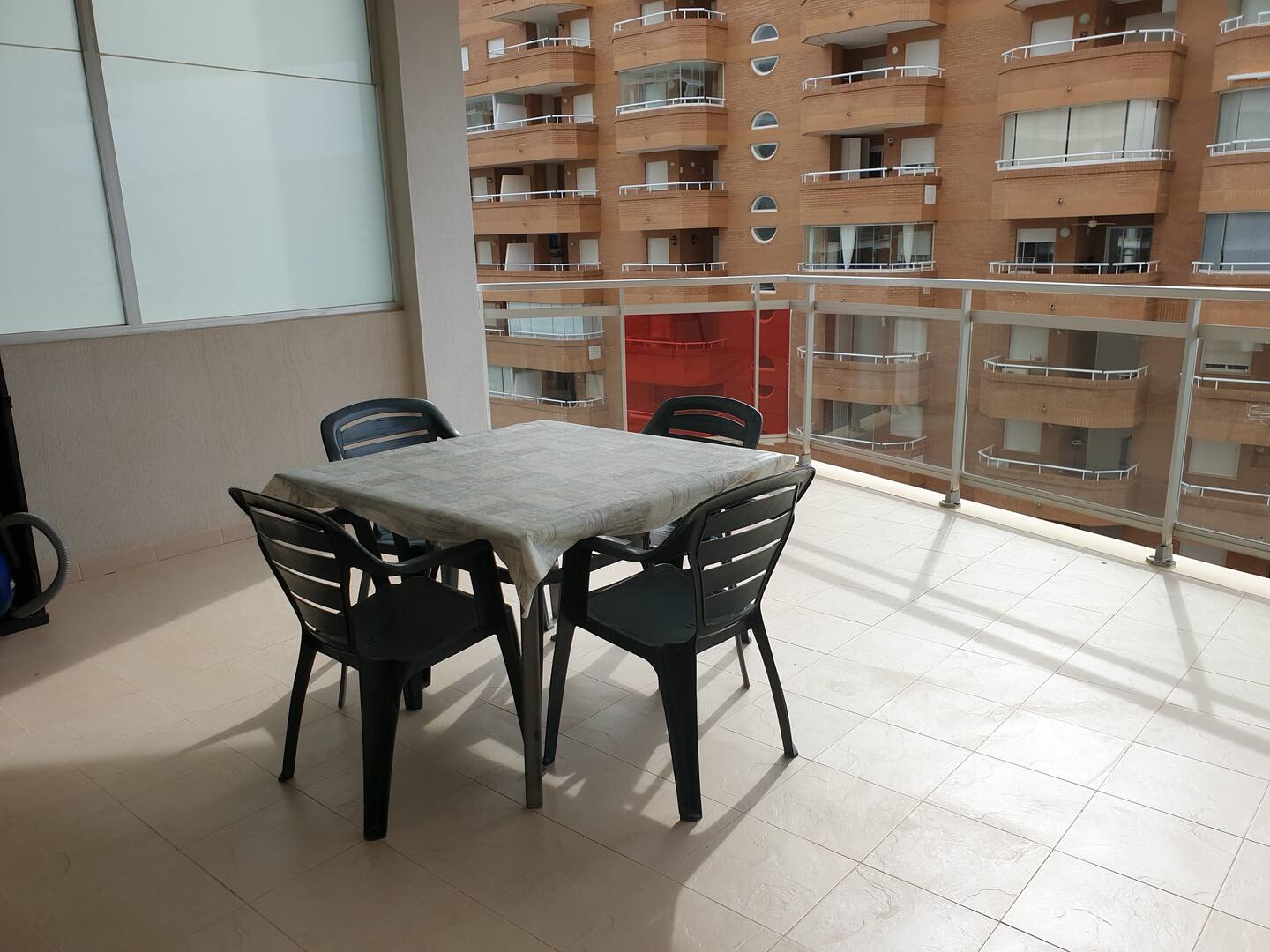
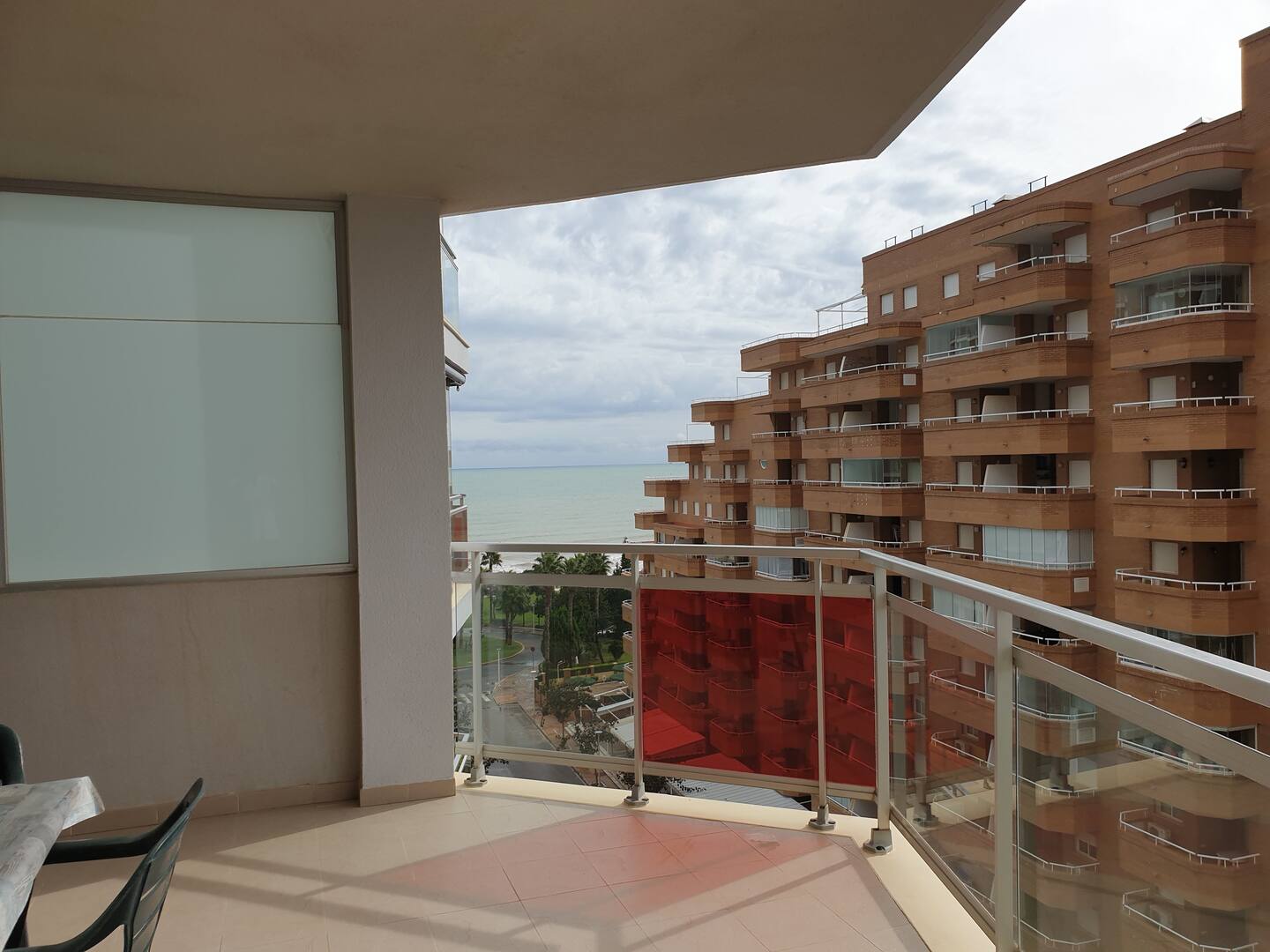
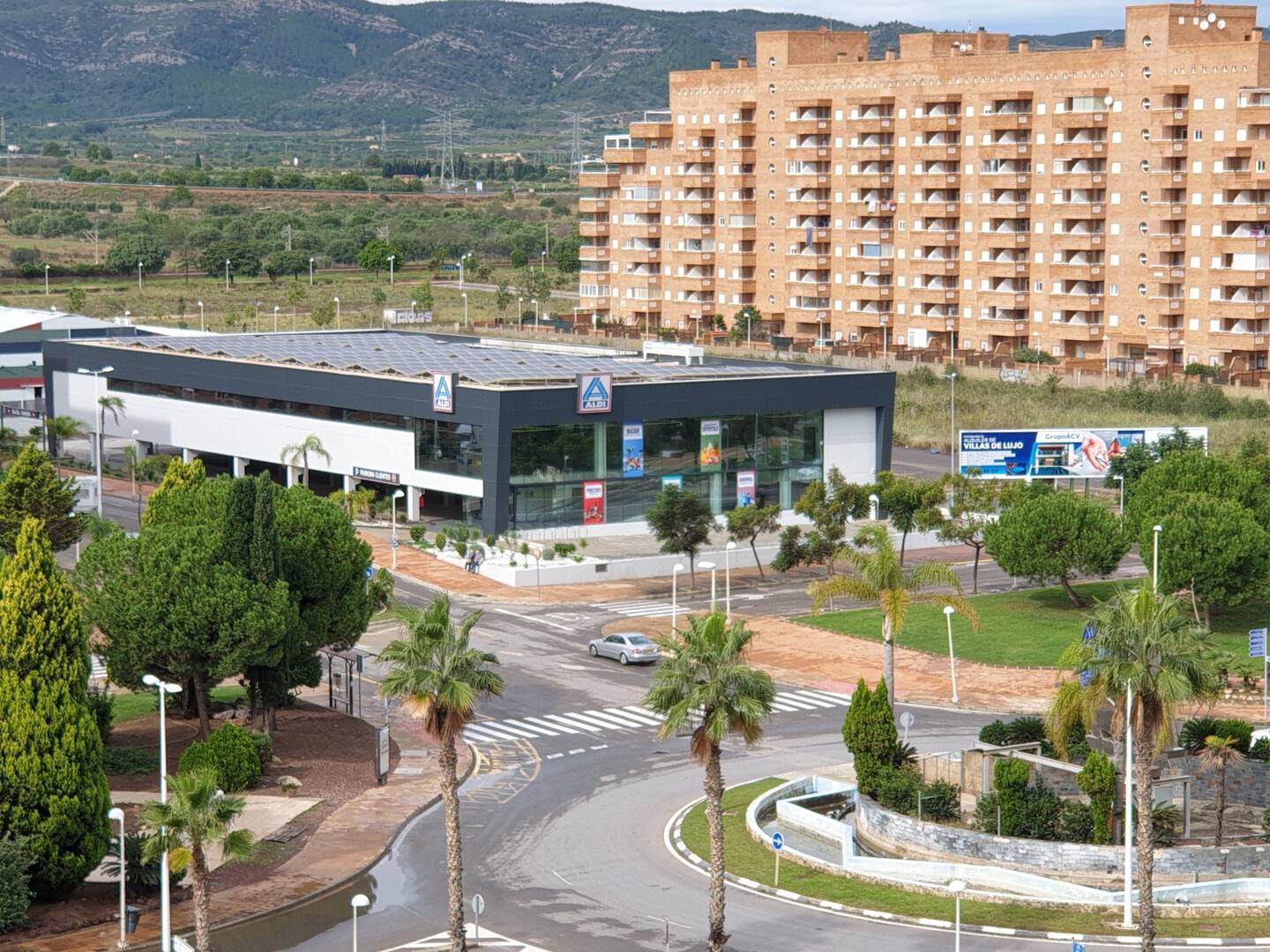
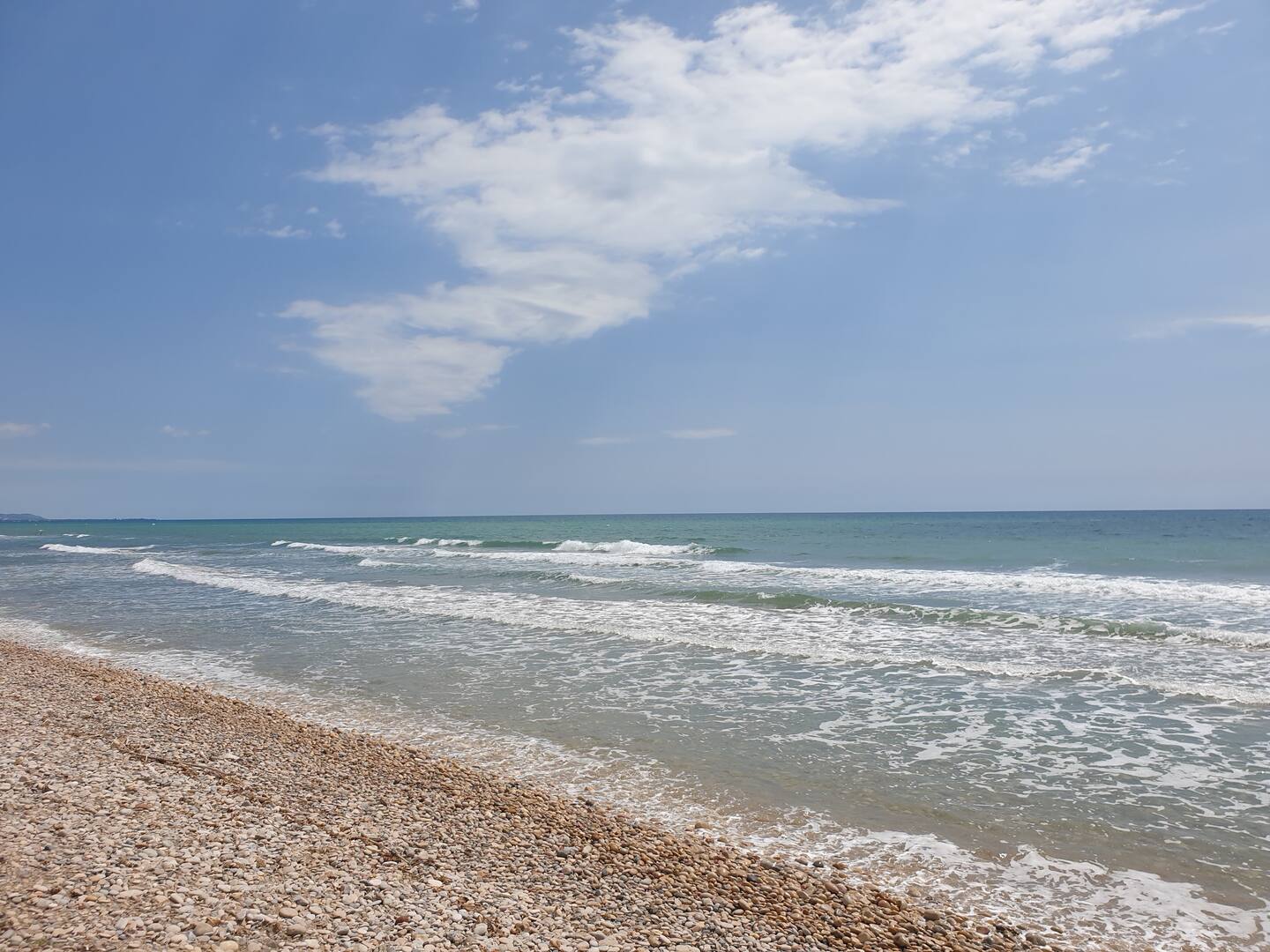
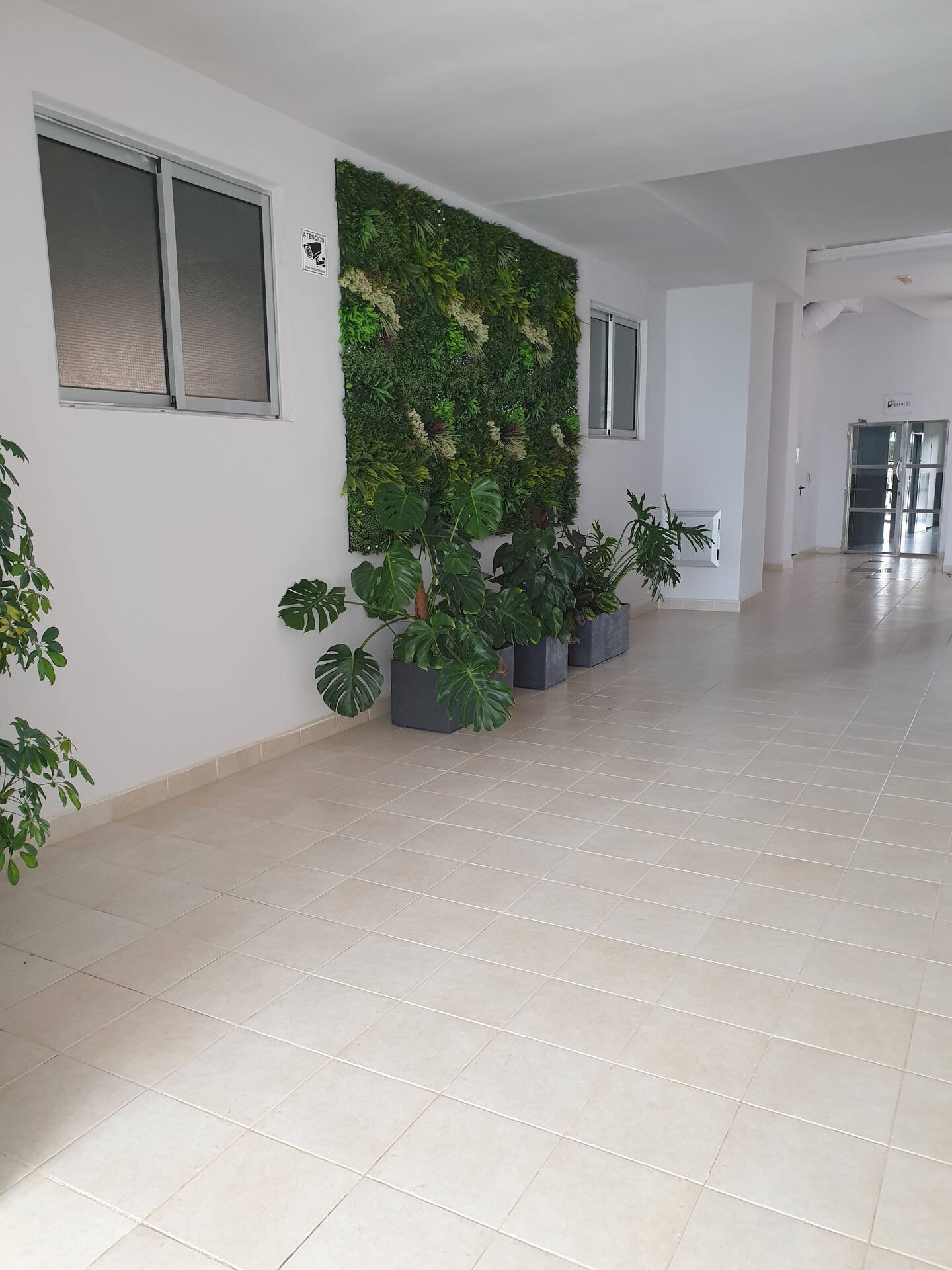
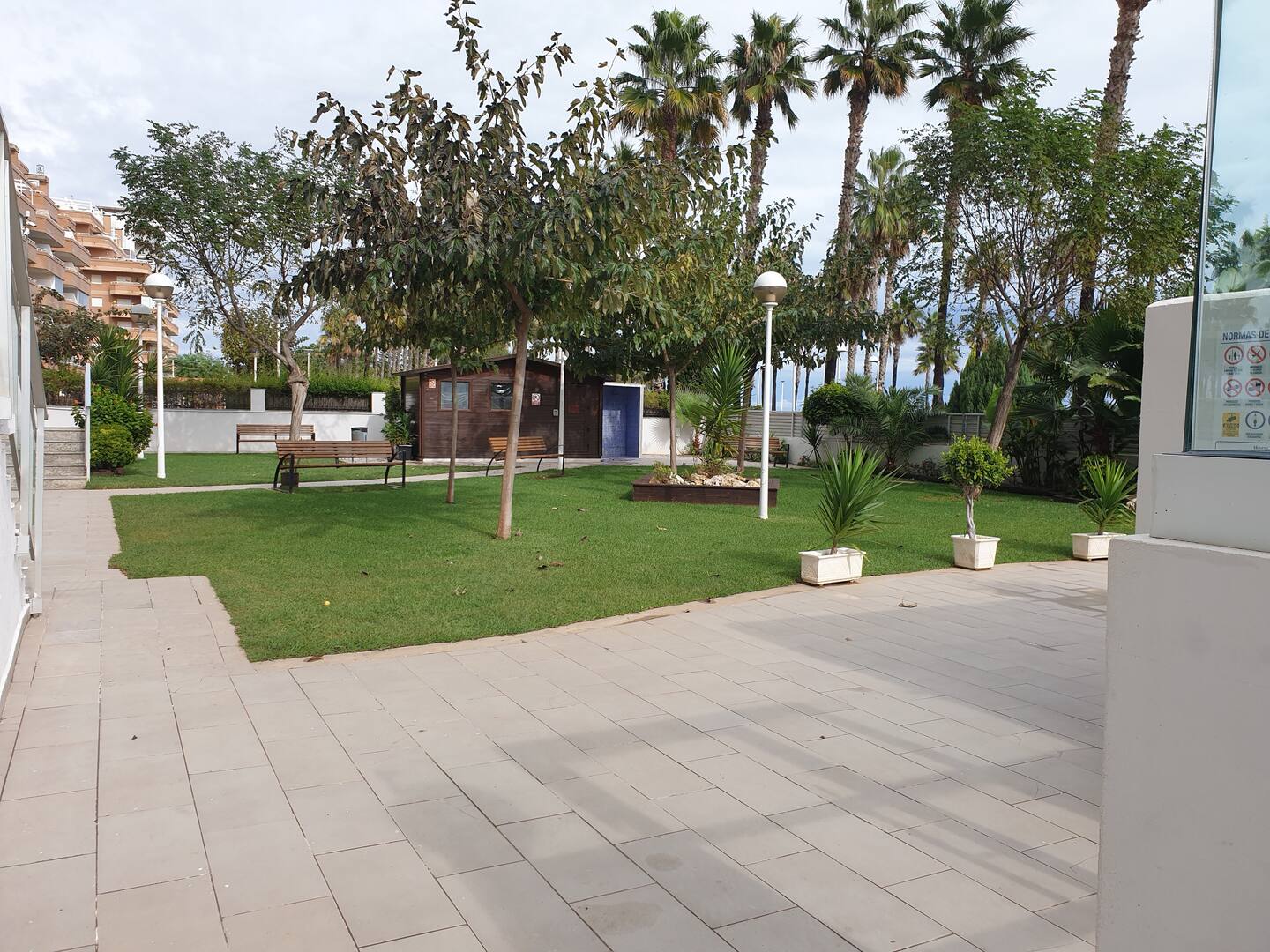
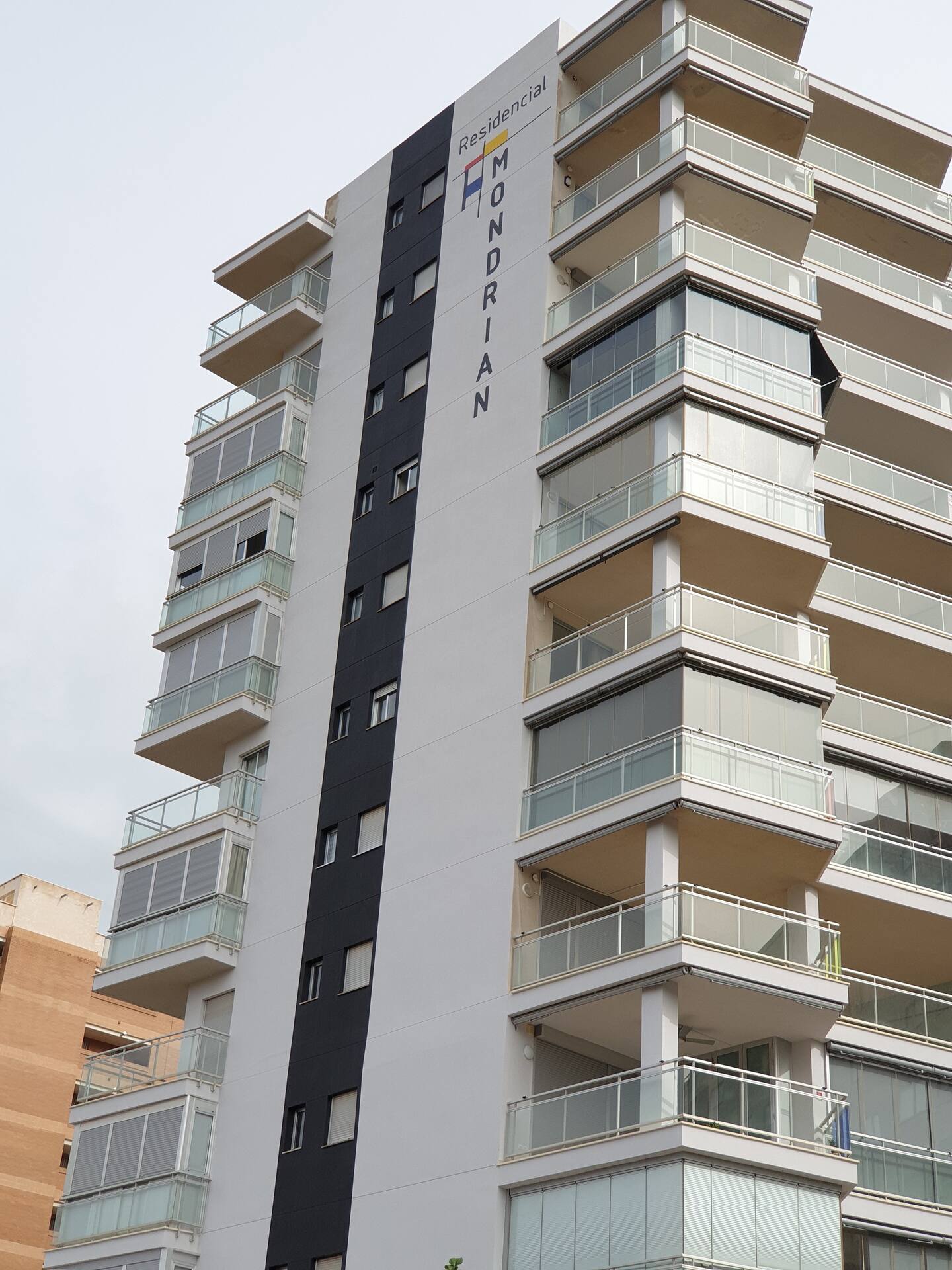
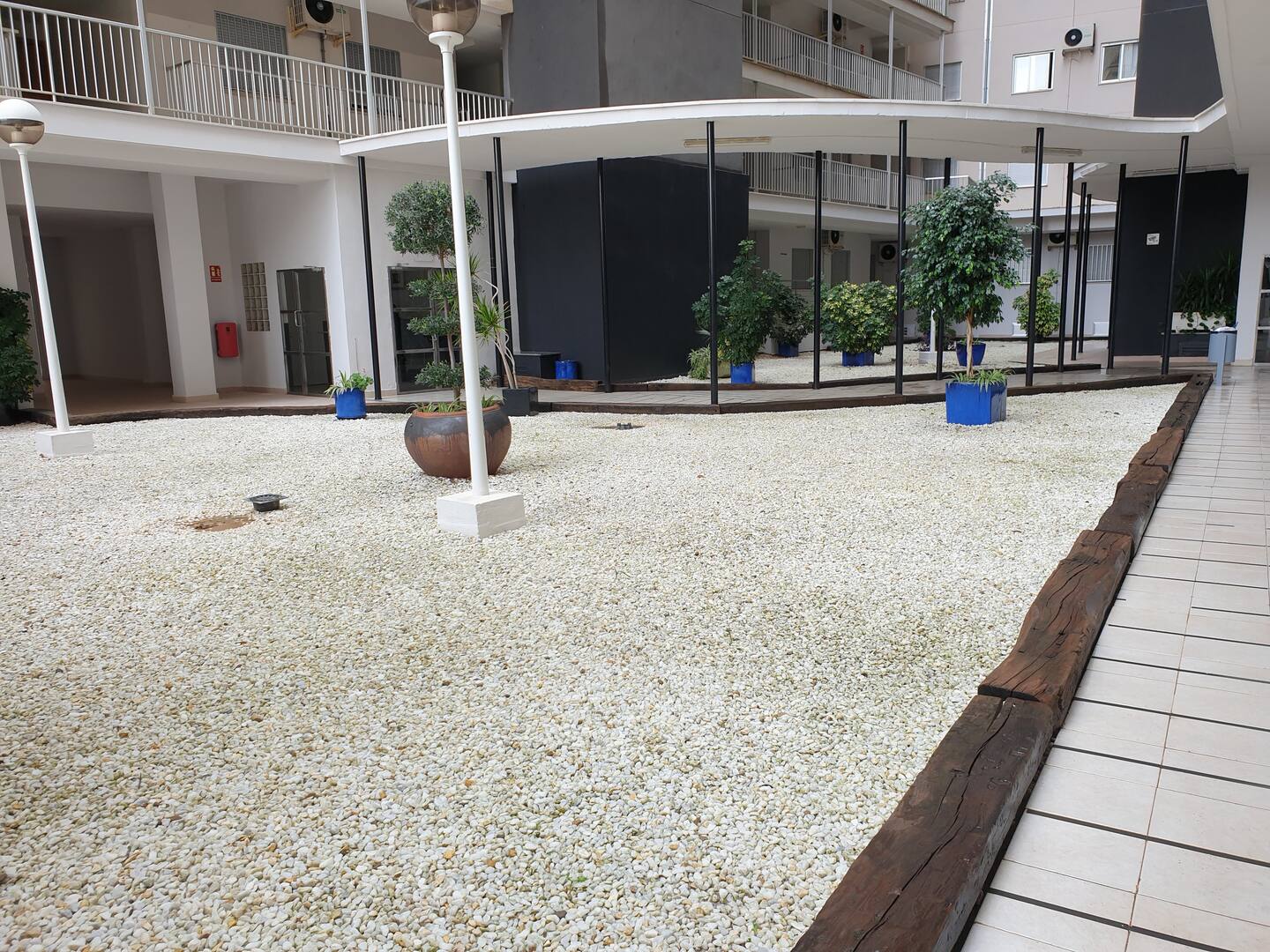
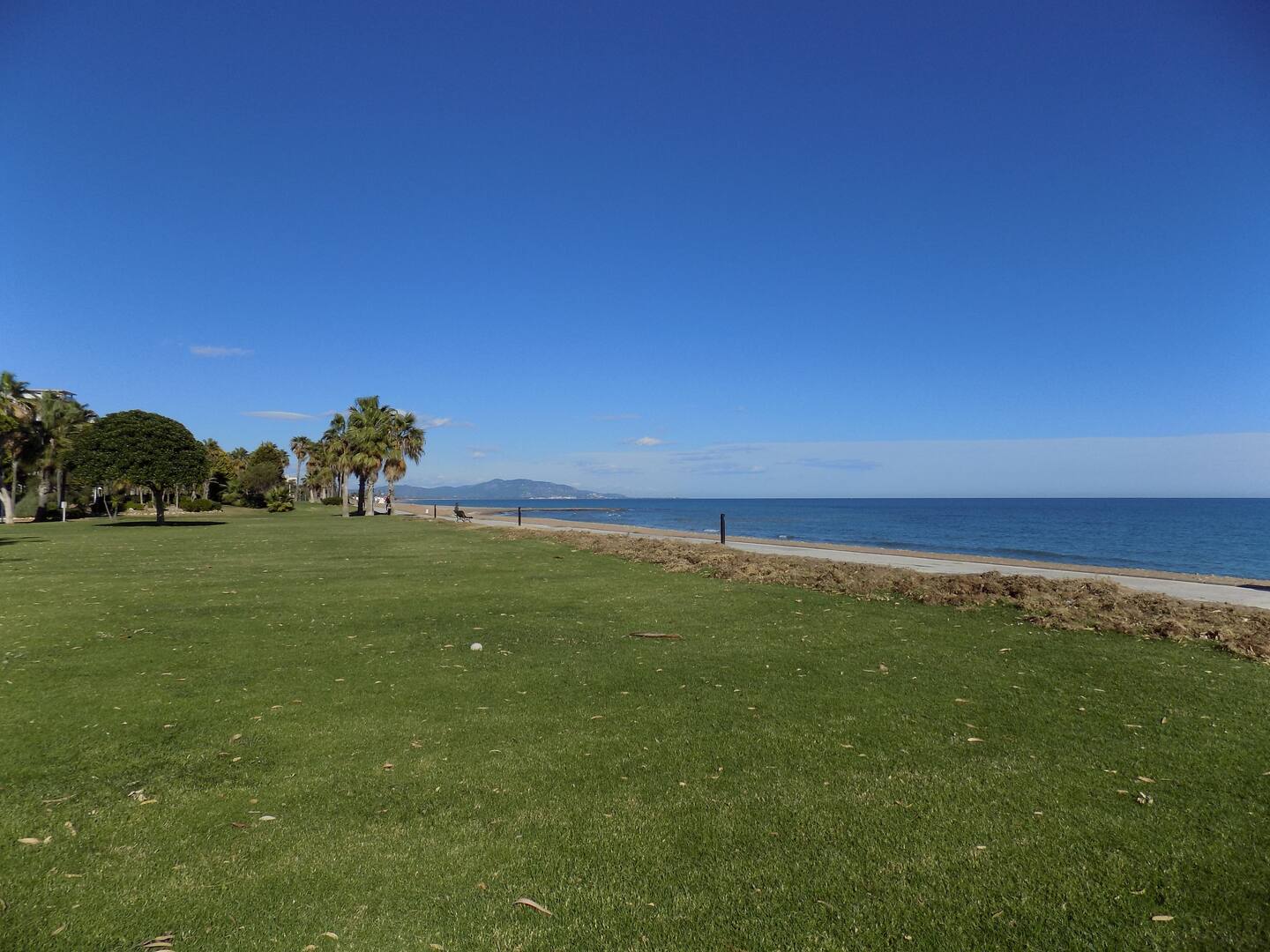
Apartamento en primera línea de playa en Castelló – Perfecto para familias
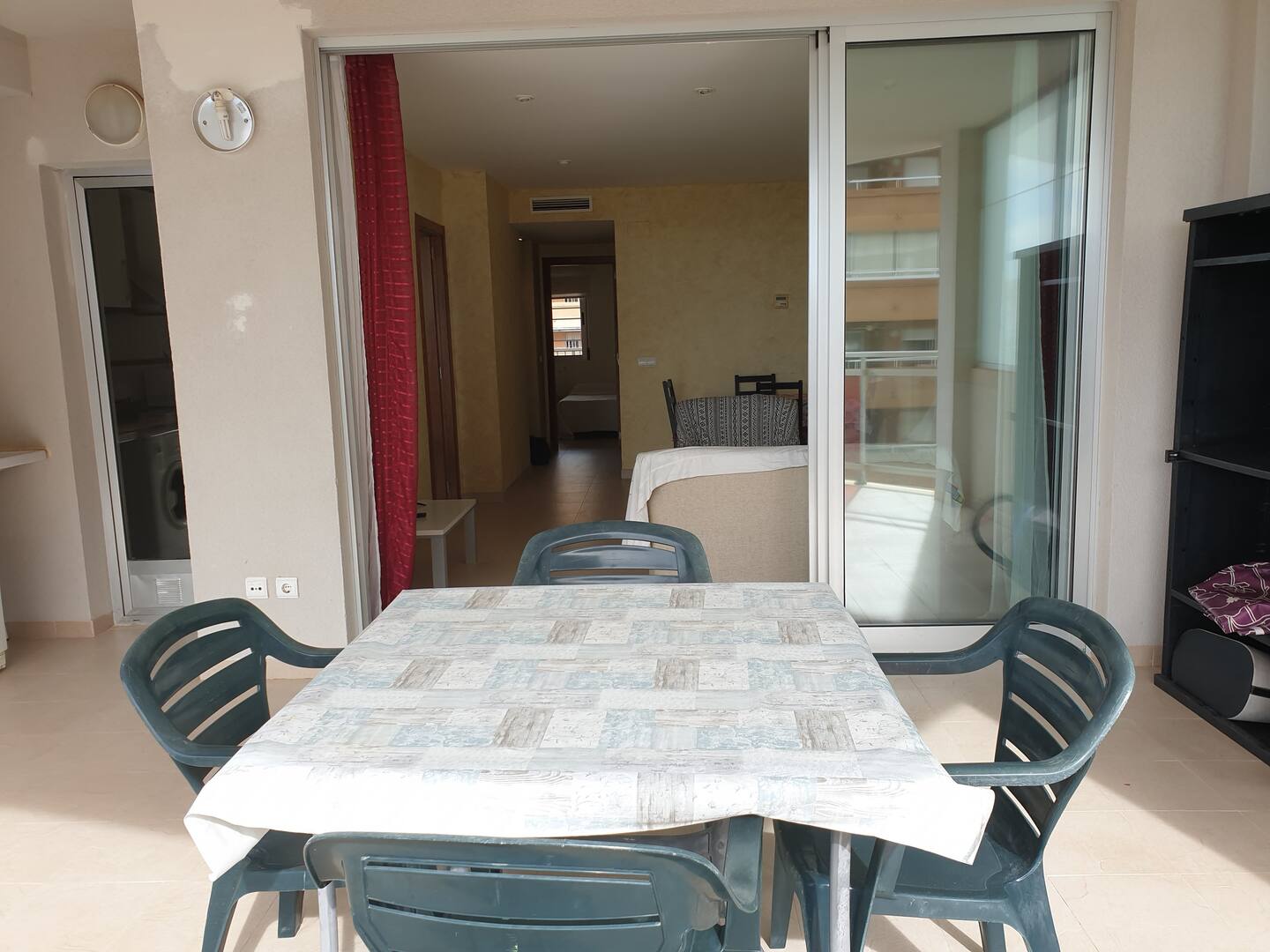
Enjoy an unforgettable vacation in this cozy apartment, ideal for families. Su ubicación privilegiada en primera línea de playa y su cercanía a todos los servicios lo convierten en la opción perfecta para relajarse y disfrutar.
🏡 Alojamiento completo con todas las comodidades:
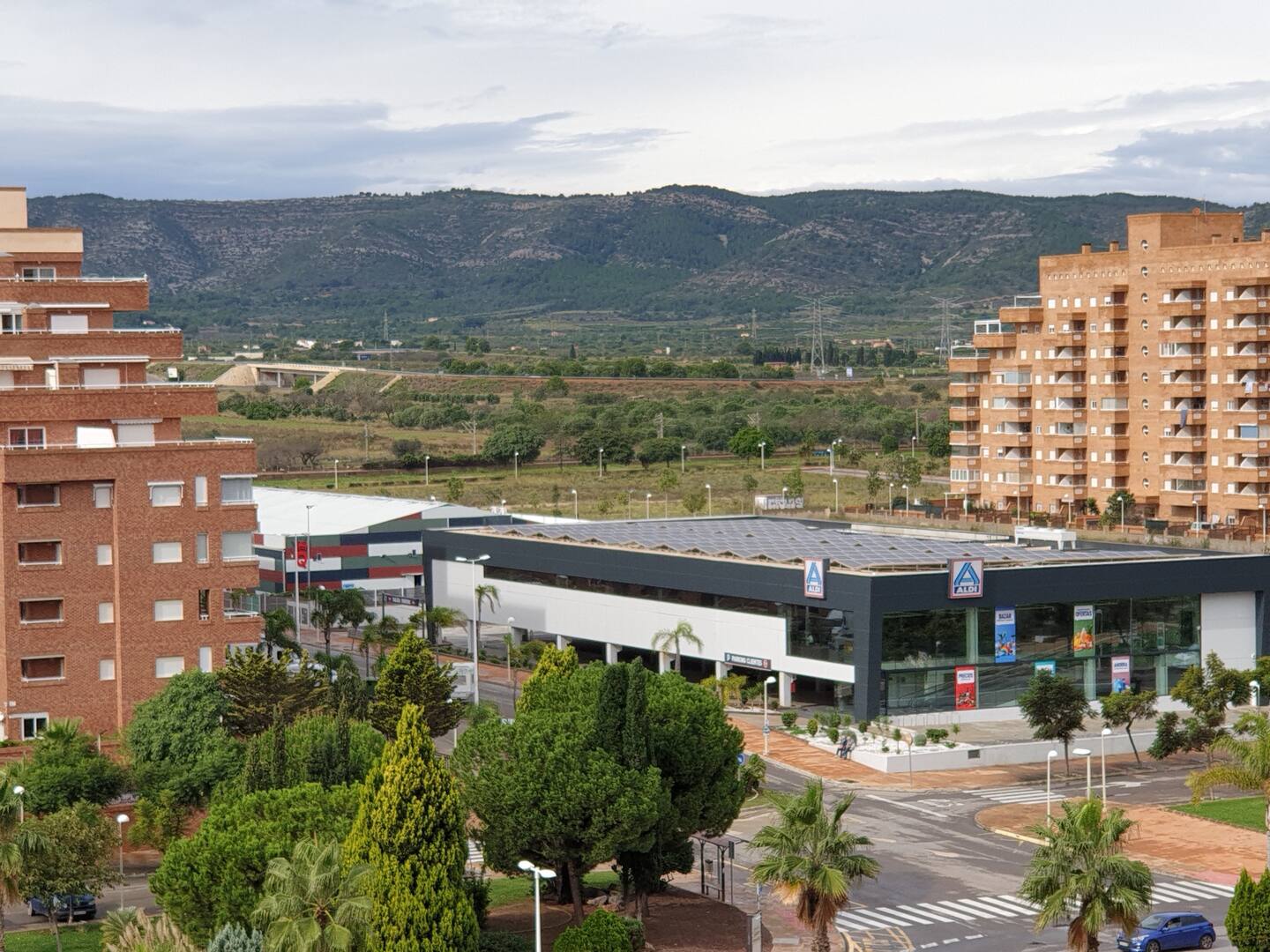
✔️ Ubicación excepcional – A un paso de la playa, bares, restaurants, supermarket and pharmacy.
✔️ Ideal para familias – Cerca de juegos infantiles y el centro Magic World.
✔️ Piscina y aparcamiento gratuito – Máxima comodidad durante tu estancia.
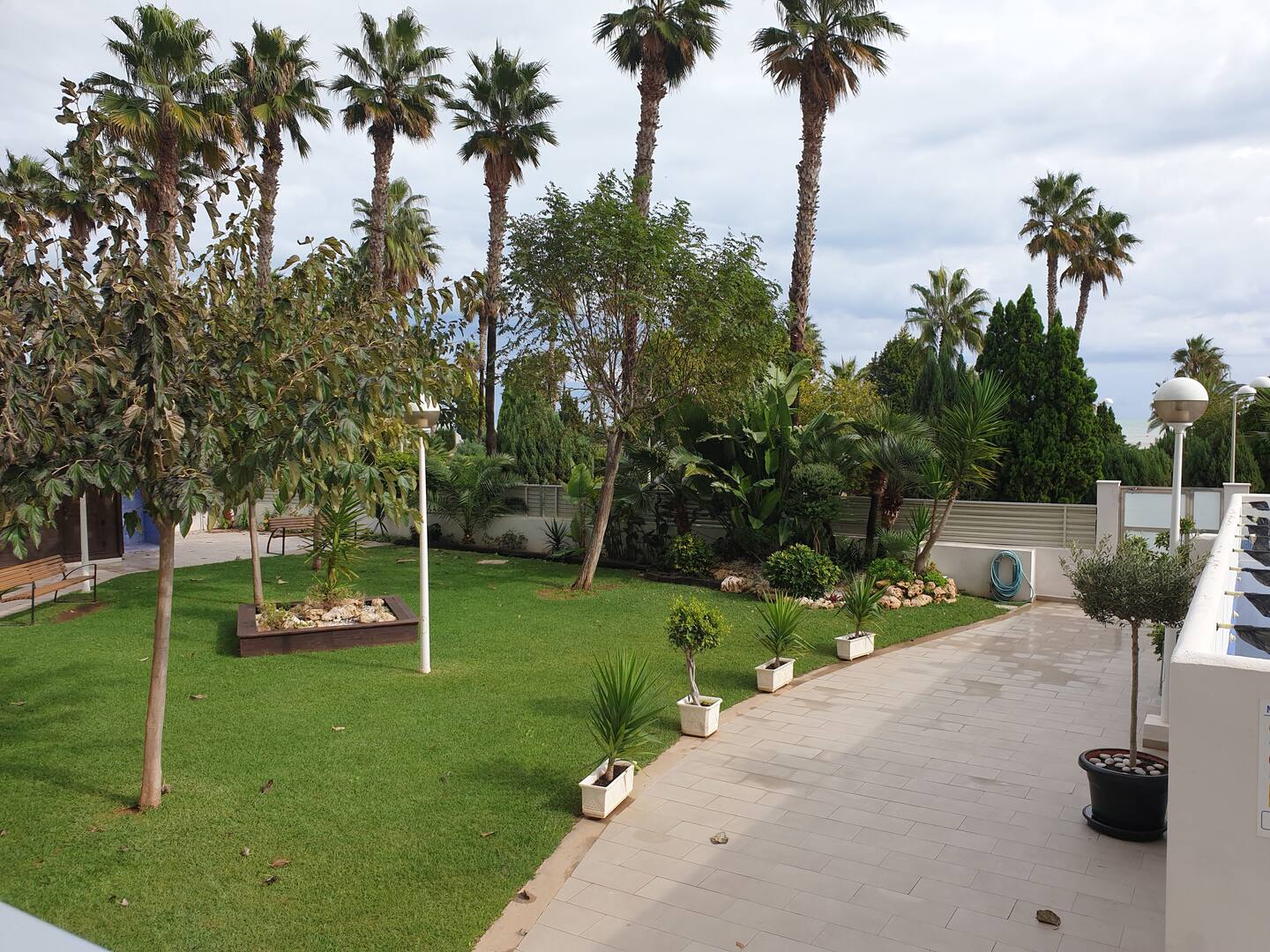
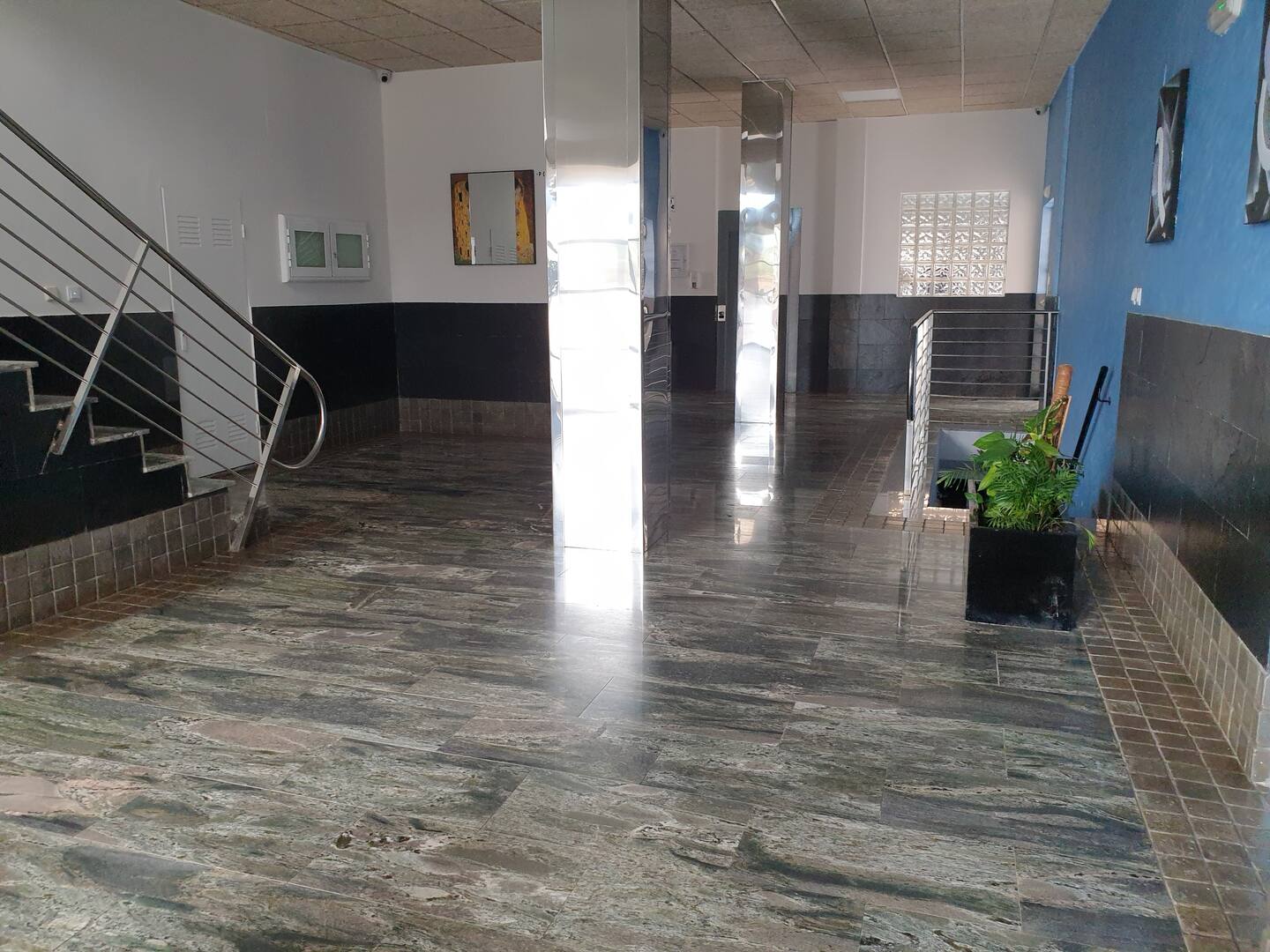
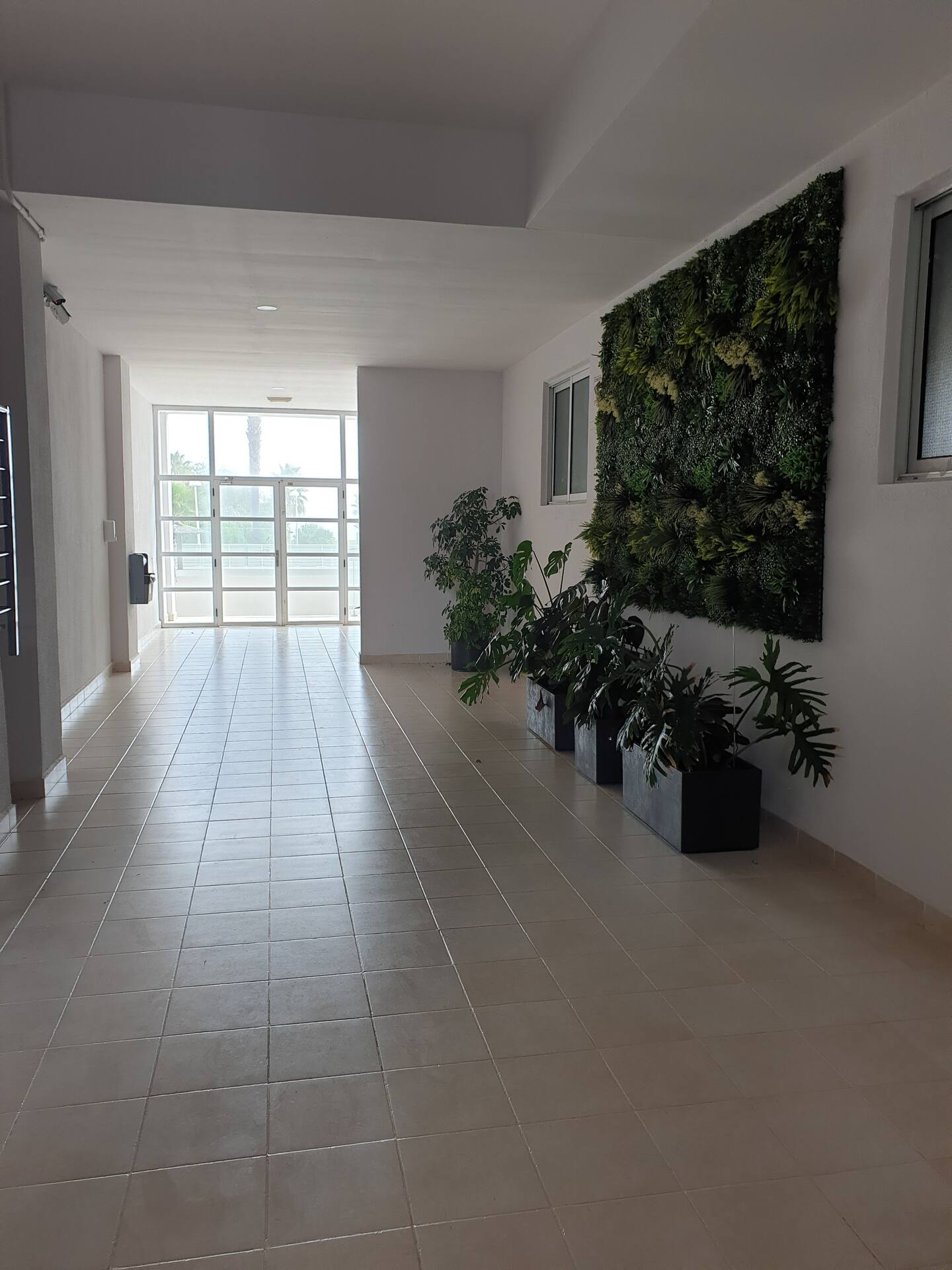
✔️ Seguridad – Cámaras en las zonas comunes, entrance and patio.
🏡 Servicios incluidos
📶 Free Wifi and TV
❄️ Air conditioning for greater comfort
🍳 Fully equipped kitchen
🧺 Washing machine for long stays
📍 Número de registro: VT-40885-CS
🌊 Reserva ahora y disfruta del Mediterráneo con total comodidad. ✨
Where is the tourist apartment?
Carrer Amplaries, 31, 12594 Orpesa, Castle, Space
GPS
Latitude: 40.1148923
Length: 0.1550499
Consulta disponibilidad de apartamentos turísticos Villa Mondrian MED026
Introduce las fechas de llegada y salida para conocer si hay apartamentos disponibles para tu estancia en Villa Mondrian Oropesa Castellón
Frequent questions and help
How to book the apartment
Hay 4 Simple steps to book your apartment:
- Use the button "consult dates and prices" To navigate to the consultation form. You will see the state of the floor for the following days as of today.
- Press the change dates to see the availability and prices for the dates that interest you. Enter the dates and choose the number of people. Press the Blue Search button. You will see if the apartment is available on the dates that interest you and the price. Press select if you are interested. You can also add the extras that appear at the bottom of the available apartments list. Click next to move to the next step or return to try other dates.
- Fill in contact information and choose the payment method. Please be extra care when you fill in the phone and mail where we can contact you. If you need an active invoice the button "Billing details" and fill the data. Click next when you have filled the form.
- The final step shows you the details of the reserve. Check the dates of your vacation carefully! If you have a discount code you can write it in the table "Do you have a discount code? " and click "Apply". Check the details of the reservation and payment. Si is as Pulse "Book now" The pulse "RETURN" To modify data in the previous steps.
How to get there
In the section "Where is the Tunish apartment?" You can find coordinates for GPS. The address or you can press the button "How to get there" On the map if you want to use Google Maps navigation (Open in a new window of your browser).